
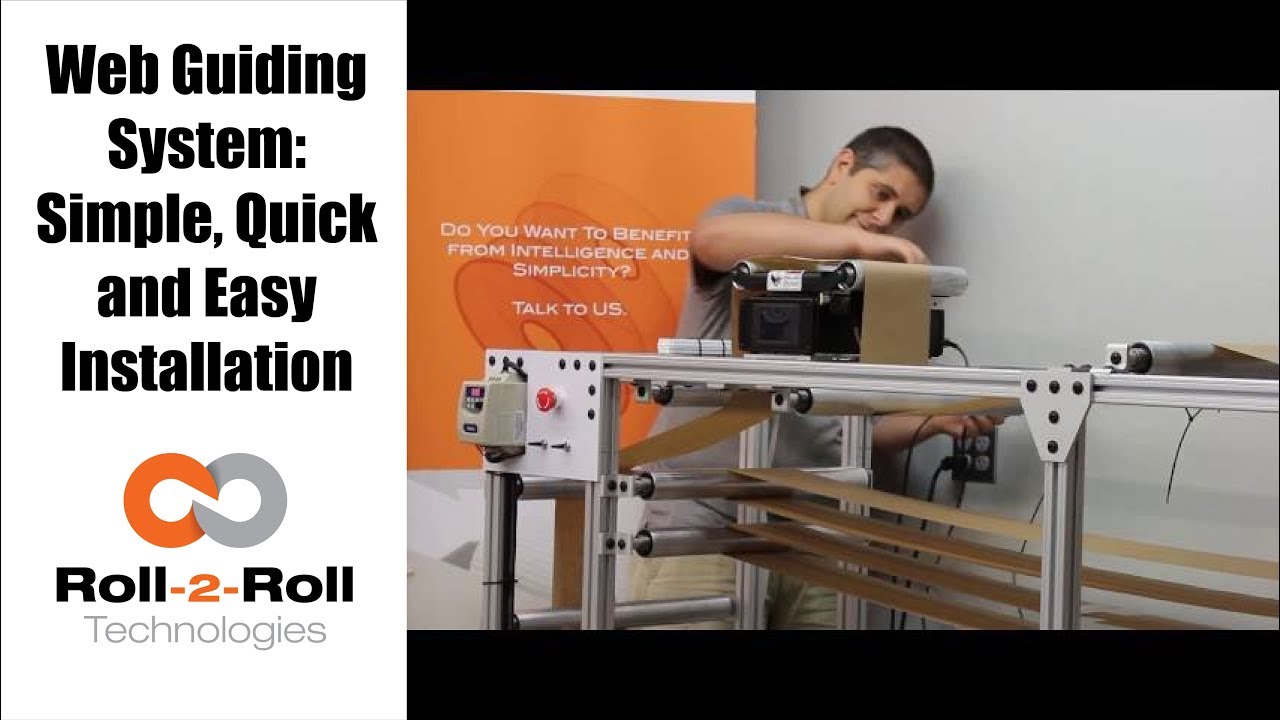
This video shows how easy it is to install the Roll-2-Roll Technologies Compact Web Guiding System. The complete installation and commissioning can be done within seven minutes.
Transcript
Show full transcript (366 words)
In this video we show how quick and easy it is to install an ARIS Web Guiding System. Unpack the box and lay down all the components such as the cables, web guide mechanism, the web position sensor and power supply. The compact web guiding system is pre-wired for easy installation. All that is required is a single allen wrench tool to fasten the web guide to your machine frame using the mounting holes at the bottom of the web guide.
We even provide the 6 millimeter mounting screws with spacers to make it really quick and easy for you. Carefully unscrew the four mounting screws and spacers from the web guide. Place the four spacers over the pre-drilled mounting plate on your machine. Carefully set the web guide over the spacers paying attention to the direction of travel of the web.
Use an allen wrench to securely mount the web guide onto your machine frame. The compact and lightweight design of our web guiding system makes it easier for quick installation on your machine. The mounting holes also provide the necessary electrical grounding of the web guiding system if the machine frame is properly grounded. Please refer to our user manual for more information about grounding.
Next mount the web position sensor on the aluminum rails already mounted on the web guide. Use the thumbscrews to secure the sensor to a desired position. Using the 12 pin DIN connector on the sensor cable, connect the sensor to the web guiding system Make sure to thread the sensor connector all the way through to secure it in place. Next connect the power to the web guiding system using a pre configured power supply.
Once the web guide powers ON set it to automatic control and the web guide is ready for operation. NO other setup or calibration is required. The intelligent control system takes care of the rest of the settings for the sensor and the controller. We have spent the time on R&D so that you save every minute of your valuable time.
That’s how quick and easy it is to install our guide. All in less than 7 minutes. For more information please contact us.
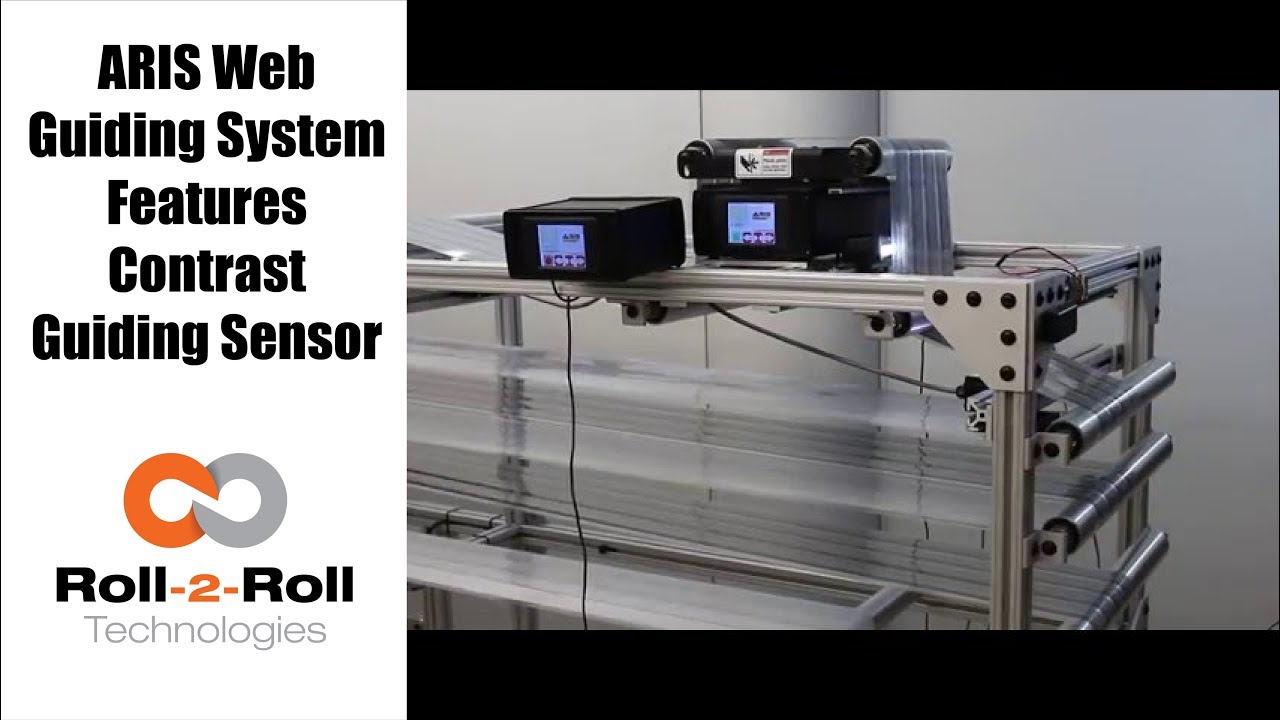
Roll-2-Roll Technologies compact web guiding system can be used for contrast guiding with the ARIS Web Position Sensor as shown in this video.
Transcript
Show full transcript (297 words)
our web guiding system ARIS features the latest in web guiding technology it adapts to any material, requires no calibration and is very simple to setup. Now it features a comprehensive guiding sensor that can be used in any kind of sensing including edge, line, contrast, composite or layered web detection. In this video we use two web guides as a test machine to introduce several speeds and disturbance frequencies. One web guide creates a disturbance while the other correct this disturbance.
This test allows us to evaluate how our machine adjust to these different disturbances. This video shows contrast guiding of composite web where the web is guided based on a die cut of the label. Our web guides can work with continuous or intermittent lines or contrasted edge. Our edge sensor detects the web position of any materials used without the need for manual adjustments.
A previous version of our sensor used a reflection of infrared light to take a picture of the edge of the material. These pictures and processed using digital signal processing algorithms to accurately sense the true position of the material irrespective of its physical properties. The updated version is more comprehensive and uses white light to take a picture of the web materials and in the line detection mode, the sensor can handle a solid or intermittent line or even in contrast between two materials. As you can see this video, the web guide is unaffected by missing labels.
Our tests have shown our sensor technology works automatically with materials of varying contrast. The use of fiber-optic technology eliminates a need for focusing and eliminates need for calibration and set-up. There are details on these experiments available in our white papers. You can find a link in our description below.

ARIS Web Position Sensor can automatically detect any material without the need for calibration. This video shows the sensor capabilities, such as accuracy, precision, linearity, with four materials.
Transcript
Show full transcript (327 words)
Our web guiding system, ARIS, features the latest in web guiding technology. It adapts to any material, requires no calibration, and is very simple to set-up. Our technology allows the sensor to be material agnostic, which means ARIS accurately detects the web edge position of any materials used without the need for manual adjustments. ARIS’ sensor technology works differently than any other currently available sensor in the market.
It uses the reflection of infrared light to take a picture of the edge of the material. This picture is then processed using digital signal processing algorithms to accurately sense the true position of the material irrespective of its physical properties. Other sensors use a blocking technique where the web is used to block light, sound or air. Since the amount of blocking depends on the material properties, the current sensor technology is less accurate with porous or transparent material.
Ultimately the web guiding performance is affected by the inaccurate sensor measurement. In this experiment, we will show you four materials, black nonwoven material, white nonwoven material, transparent film, and burlap. Our experimental setup is equipped with a high precision motor stage which moves the web material, which is 10 mm away from the sensor, back and forth. This setup is used to quantify the sensor performance.
With each material we repeat the exercise four times. The green line represents linear regression, which quantifies the precision and accuracy of the sensor. The blue represents the actual position of the web as measured by the sensor. Follow the results as the experiment progresses.
The video shows the web as it moves away from the center and the sensor’s ability to follow the position. The experiential results clearly show that the precision and accuracy of the sensor is unaffected by the material properties. Our sensor has linearity of plus or minus 1 percent without any calibration. Find out more information about ARIS and our sensors, using the link in our description below.
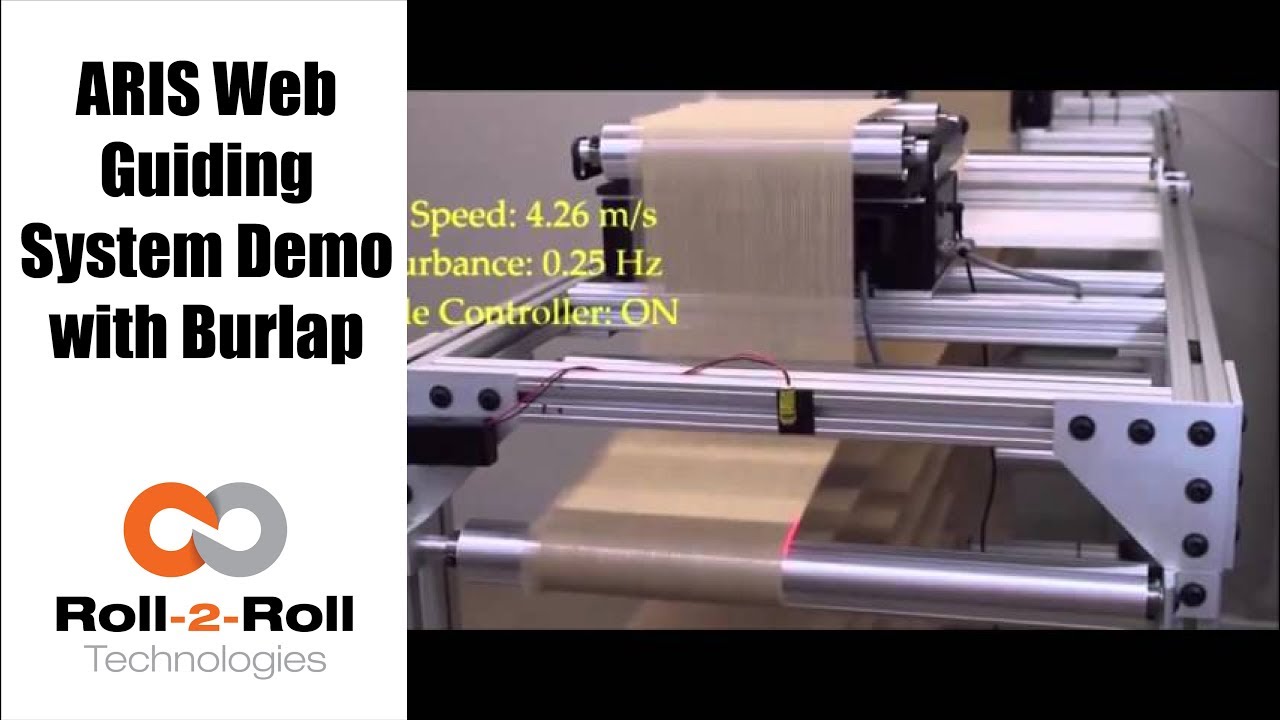
The performance of the compact web guiding system with a challenging porous web, burlap web is shown in this video.
Transcript
Show full transcript (125 words)
The video shows ARIS guiding a burlap web at different frequencies and a web speed of 4.26 meter per second. Using a two guide test machine, we will show you several speeds and several disturbance frequencies that are introduced to evaluate the performance of ARIS when it handles burlap, a non-porous material. Watch the red laser to see difference of the controller when its on vs when its off. As a porous material, burlap presents a special challenge because current sensing technology is not able to handle the gaps between the threads of the material.
The image processing in the sensing technology in ARIS allows it to detect the edges of a porous material. You can find a link for more information in our description below

Roll-2-Roll Technologies web guiding system uses a revolutionary fiber optic web sensing technology to accurately measure web position. In this video, several speeds and several disturbance frequencies are introduced to evaluate the performance of the web guide for a sinusoidal disturbance commonly seen in web lines.
Transcript
Show full transcript (106 words)
ARIS is an intelligent guiding system that uses a revolutionary fiber optic sensing technology to accurately measure web position. In this video, we use a two guide test machine to introduce several speeds and disturbance frequencies. One machine creates the disturbance, while one corrects this disturbance This test lets us evaluate how our machine adjusts to these disturbances. Watch the red laser to difference between when the controller is off vs when it’s on.
We have a white paper on our website that gives more information about the performance of our guide systems. For more information, please click on the link below in our description.

Roll-2-Roll Technologies is releasing a new bigger and better sensor. Check out this video to learn more and reserve yours today!
Transcript
Show full transcript (264 words)
Hello, this is Pedro with Roll-2-Roll technologies and we're going to talk to you a little bit of our sensors especially the array on sensors that we have available to the market now we have talked before about the WPS 48 which is a 48-millimeter sensing window and the 221 with a wider window available for a mostly center guiding and it can do edge detection as the other can and also it does you know thread counting and it can be used to monitor web width as one of the many features it has. however we're introducing to the market something we just developed in which will be available in May to the industry which is the WPS 440 IR. It includes also the same infrared signal and it has a four hundred forty millimeter sensing window but one of the best features of it all is it even though these require a sensor control unit this has a central control unit enclosed within the same package. All you have to do is connect two cables and the sensor is ready to go.
Now with this you can monitor remotely a web but the same time you can also control a web guiding system. So this is available to the market in May, we're going to be showcasing this at ICE USA 2017. We'll be at Booth 1034 and we can actually see the sensor in operation over there. So in order to get some more information about our products, visit our website the www.r2r-tech.com and see some more about our products thank you

Check out the many capabilities our sensors have in edge, center, width, contrast and mark sensing. Our sensors require no calibration. These advanced sensor capabilities are shown here in this video.
Transcript
Show full transcript (756 words)
This Pedro Velasco with Roll-2-Roll Technologies And we want to show you a little bit more about our sensor technology and its different applications. So here we have a demo set up to show some of the features that are sensors have. Right now we're showcasing the 221 infrared sensor and on the left side you'll see the forty eight millimeter white light sensor which we used mostly for contrast sensing so we have already set up the Infrared sensor and we're going to do first let me show you the in the edge mode all the capabilities that it can do. So they can do so right now number one.
It can actually tell you exactly where the sensor is mounted and Which side is that it's that said its absolute sensing so as you can see it automatically detects a sensor And then it's affecting the edge on this side, right? but I Want [to] change it. Just press here if I come from this side? See it automatically detects no calibration needed for this operation.
Additionally we have other characteristics that we can do with this we can do something with this same sensor. We can measure width. We set it up to monitor in this case. It can be a pass or fail condition so now there's no material, so I'm gonna put a material here, and then I'm going to set a Condition and I'm going to set it up.
Let's say I want to accept two millimeters off That's accept so now it has recorded the distance that just width that I want right? but put another material, that's a different width It will leave me a fail condition because it's beyond the limits that I've all already set up over here So that's another characteristics of our sensors. We can also show you another which is the string mode right here for the 221 sensor if I present one string? will actually see one string.
But that is the same time you can also see two strings and you can see even Three and many more right, but the best thing that we can do is we can actually also give you the distance between the strings between the edge of the strings, so in this case is telling us between the third and First string there's Thirty six millimeters right however we can adjust this, prepare you with our system so that they can actually tell you the difference between individual strings Now let me hook up now our White light sensor so as you can see I'm just going to unhook our 221 sensor infarred sensor And then I'm going to just hook up The light light sensor as you can see it turns on immediately It detects it and of course a white light sensor can do edge guiding. All right Just this the other sensors You can do it from either side, it auto detects. But I can also select the mode So right now. It's going to do contrast sensing So it will tell me The position this contrast as you can see by that?
Green and Red bar right, but I can also tell you Not only that I can tell you the width of that So it gives us a 9-millimeter width, if I change it and see, it changes. of course, if I Had a steady hand this little better, [okay]? [okay], so that's one of us the many features that we have and that's with the white light sensor the contrast capabilities also, we [can] also give you a Mark so let's say for example. You have something like [this] We wanted to detect the mark, so as soon as the sensor sees it It will tell me that the mark is detective.
Mark detected. This comes across, so this has multiple applications if you had For example. We can actually give you the distance between marks through a one of our algorithms But the best thing we can do is, we can also do this with ultraviolet light and then you can have a mark with UV ink which can also be detected. So these are some of our capabilities that are sensors can do.
Of course now we're looking for other applications As we do our research in our developing products by right now these are available to you. Just give us a call or visit our website, and you can actually see your products there. Thank you very much

We are often asked how to calibrate our sensors. This video will show that you don't need to calibrate our sensor.
Transcript
Show full transcript (387 words)
Hi, this is Pedro Velasco with Roll-2-Roll Technologies We want to answer one of the questions that reader in e-news sent us. His question was literally just how do you calibrate your sensors and one of the things we do with Roll-2-Roll Technologies with what we have developed It's that you have to, you don't need to do any calibration of our sensors. Right here today I'm going to do a very short demo using one of our demo units plus two of our main sensors, the 48 millimeters White light sensor to use for contrast sensing and edge sensing and then our white 221 millimeter sensors infrared which we use for edge detection but also for measuring width and center guiding. So let us show you how.
In this case you notice immediately as soon as I plug it in the sensor came on with no need of any other procedure in just coming you know. Now as you can see right now on the screen the sensor I have to go and tell it find the sensor It's searching and then as soon as I put the material It detects where the sensor is at. As you can see it's actually detecting the material as it goes through Ok so now let's say that I want to change the sensor for some other reason and now all [I] do is just unplug the sensor And as soon as I unplug it the display tells us that there's no sensor there and at the same time I'm going to plug in one of our featured sensors the 221 millimeter sensor which has many capabilities like for example We can do edge detection, it can do width sensing and immediately it detects a sensor there. However I'm going to do a search sensor and the same procedure and as soon as I put material it detects the material.
Now it is only guiding off on the edge of the material on the leading edge. That is how simple it is Change Sensors and as you can see there's no need for calibration We hope that this video has helped you understand a little bit more about our about our technology And we will continue to show more stuff, but especially the features that are sensors have. Thank you.

Do you need to find the IP Address of the SCU5 controller? See our video to learn how the IP address can be found.
Transcript
Show full transcript (541 words)
Hi this is Pedro Velasco from Roll-2-Roll Technologies. Today we want to show you how to find the IP address for ARIS sensors or web guide controls are equipped with the Ethernet IP connectivity option. As an example today we're going to use the WPS 440 IR which is a most recent additions to the ARIS WPS sensor lines and this one has an inner router to access the network so that we can monitor this later on. So first we're going to connect an ethernet cable to the M12 connector which is on the side port of the ARIS the WPS 440 IR and then the other side of the connector we're going to connect it to the router in the rj45 Ethernet connector jack Once it is connected, then we go ahead and connect the power to the sensor and then we verify that the connection is correct by looking at the blinking light on the router.
Now after this has been achieved then we can go ahead and proceed to a computer to actually go and find out the IP address for this particular sensor. So by default the router will assign an IP address to the device and this will be a dynamic IP address. Now to find the address you will need to access the Internet through any computer from which you will monitor the device in this case we searched online for Anybus.com and then we look at the support so we hit the support tab. Then we go to the selected product icon and from the select your product Icon you go to the Anybus IC icon and you click on it.
Then you go to the Ethernet IP and here you have a list of software so you're going to download on the software section when the one that says IP configuration utility for module TCP IP configuration. Now you go through the whole process of downloading the this software but once you download then you hit your Start button on your screen and just go to the HMS as you see here and open that up and then you see the IP configuration. When you click on it, it will automatically open this this window right here. Of course, sometimes when you're doing the first time this will not show up so you hit scan and it will scan for anything, any IP addresses are available.
So in this case here you have access to your IP address. Ok, so let's say for example you want, this is a dynamic address, but you want to establish a static address so all you have to do is just right click on the on the line and then you see the configuration tab. Just hit configuration and then you can actually set your static IP address on this window right here. So we mentioned before how to find an IP address for one of our sensors or web guide controls.
It's a very simple procedure as we showed and we hope that this can be of help to you when you are using our products on your operations so again thank you very much and just keep on looking for other videos. Thank you

Roll-2-Roll Technologies brings you the latest in web guiding technologies. We are now offering you SCU5 controller, so you can use our sensors in any kind of environments.
Transcript
Show full transcript (386 words)
This is Pedro Velasco from Roll-2-Roll Technologies and today we're a test bench where we you know do some variants of our products. I want to talk to you today about one of our products that we have on the sensor control unit side. Now one of our options for smart sensor control in our line of products is the ARIS SCU for control cabinet mounting on a thin rail as we have shown here. Now we have arranged the sensor control along with a couple sensors so we have two units with two sensors that actually for burning.
This was originally designed for OEMs who wanted to as an in capita control unit and they wanted to use our sensor technology with their own actuator systems and their web guiding systems. Therefore they were benefiting from our technology from our smart technology that's offered in our whole line of products now. The ARIS SCU provides it can provide an analog output, a connection for Ethernet IP applications, an operator interface so to connect the display to it and then on the bottom side, you can see we'll have the two sensor controls, two sets of connections now. The sensors then, the sensors we provide with this, would be with a shielded cable and they can be installed far away.
This is particularly useful for those applications where the sensor needs to be in an environment in which the control unit cannot be in. For say for example, an environment like a vacuum environment now the ARIS SCU can also be used in other applications. You know like for the detection of web positions, monitoring measurement of web width, any industrial operation so it's not only for those OEMs it can also be used for those who have a very special applications like I mentioned before. Applications where the environment wants or requires that the sensor control unit be away from the sensor.
Now this is a lightweight, easy to install, smart sensor control unit that is a coupled with our sensor technology and it allows you to detect and monitor any material position without the need for calibration. For more information subscribe to our YouTube channel and check out other videos that we have with additional tips and tutorials on our products. Thank you.