
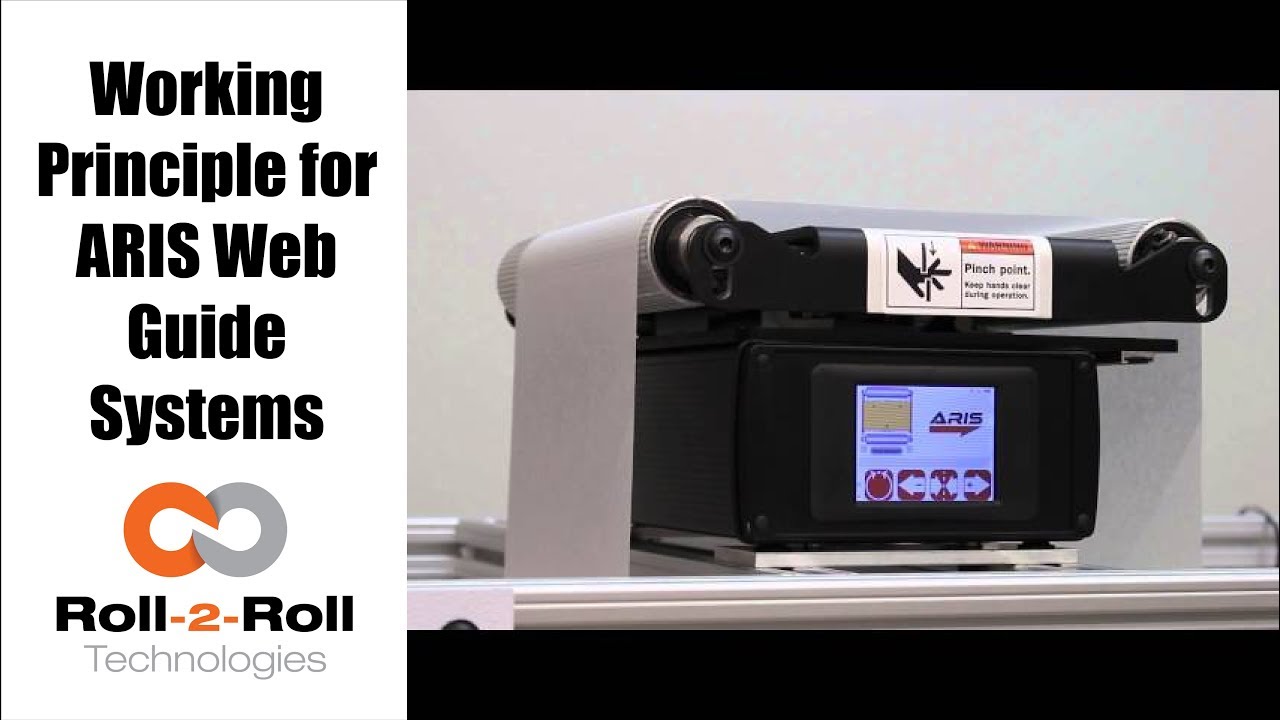
Roll-2-Roll Technologies shows the latest in web guiding equipment. Watch this video for an overview of our web guiding system and sensor's capabilities.
Transcript
Show full transcript (448 words)
our web guidance system RS features the latest in web garden technology in adapts to any material requires no calibration and it is very simple to setup our technology allows the sensor to be material agnostic this means ours accurately detects the web edge position of any materials used without the need for manual adjustments our SS sensor technology works differently than any other currently available sensor in the market it uses the reflection of infrared light to take a picture of the edge of the material this pictures and processed using digital signal processing algorithms to accurately sense the true position of the material irrespective of its physical properties other sensors use a blocking technique where the web is used the block light sounder air since the amount of blocking depends on the material properties the current sensing technology is less accurate with porous or transparent materials ultimately the web Guardian performance is affected by the inaccurate sensor measurement in addition to sensing capabilities ours communicates intelligently with the sensor watch the screen as we show how the sensor communicates with ours a green web detected indicator will verify that the edge is detected by the sensor if the sensor is not connected properly or if the edges outside the window the indicator will not really about the icons you will see a material edge position indicator when the material is in the correct position you will see one red bar and one green bar the green bar indicates the metal portion of the sensor and ideally the web should be in the green bar region if it's incorrectly positioned you will either see no green bar or you will see red bars on both sides of the green if the sensor is not within the measurable distance then the material edge position indicator will be grave the sensor position indicator on either side of the web guide picture shows the position of the sensor with respect to the guide if the sensor indicator does not register the sensor on a correct side of the web or the green bars is white on the wrong side of the web press the find sensor to automatically register at the sensor position indicator to make it simple and foolproof the intelligence and ours can work irrespective of the sensor position as long as the web is inside the sensing window if no sensor is connected or if the sensor is faulty none of the position indicators will be lit when the sensor has plugged back in ours will automatically register the correct sensor position find out more about Aras and our sensors using the link in our description below
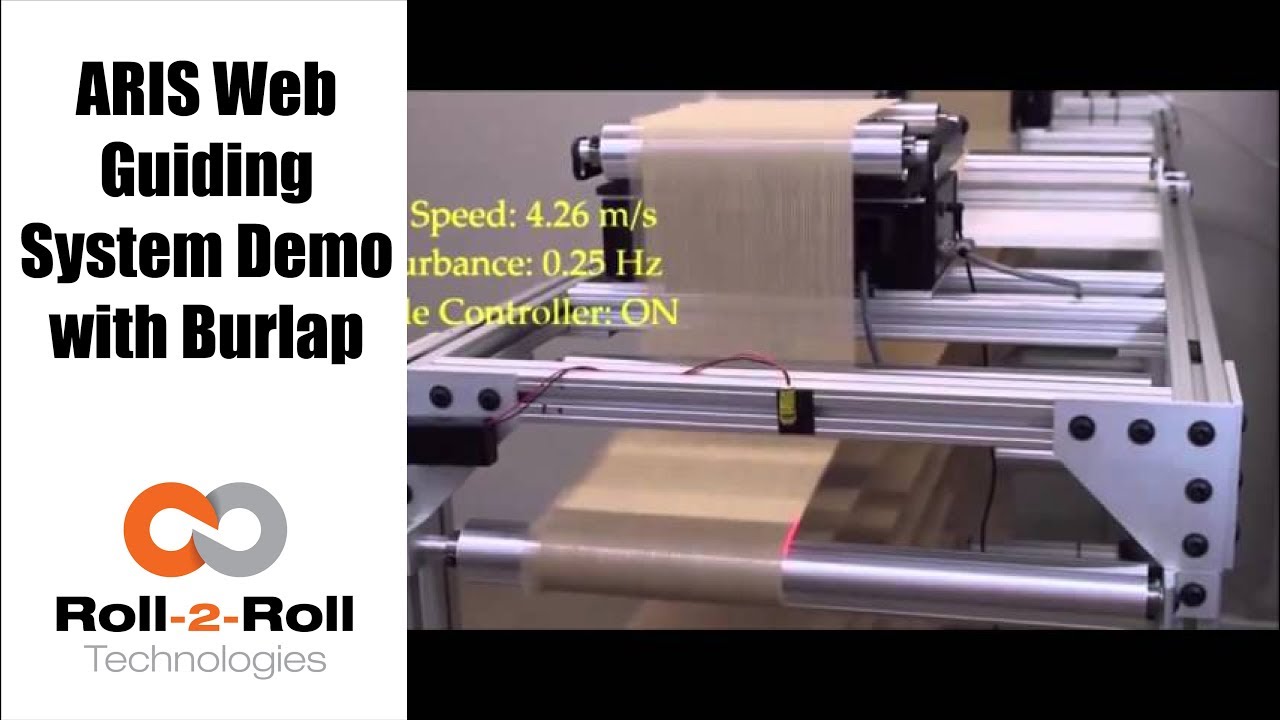
The performance of the compact web guiding system with a challenging porous web, burlap web is shown in this video.
Transcript
Show full transcript (125 words)
The video shows ARIS guiding a burlap web at different frequencies and a web speed of 4.26 meter per second. Using a two guide test machine, we will show you several speeds and several disturbance frequencies that are introduced to evaluate the performance of ARIS when it handles burlap, a non-porous material. Watch the red laser to see difference of the controller when its on vs when its off. As a porous material, burlap presents a special challenge because current sensing technology is not able to handle the gaps between the threads of the material.
The image processing in the sensing technology in ARIS allows it to detect the edges of a porous material. You can find a link for more information in our description below

Roll-2-Roll Technologies provides you a closer look to the frequency response performance of our compact web guiding system from 1 Hz to 9 Hz.
Transcript
Show full transcript (71 words)
ARIS is an intelligent guiding system that uses a revolutionary fiber optic sensing technology technology to actually measure and control what position this video gives you a closer look to their frequency response performance of our 254 mm web guide from 1 hz to 9 hz. We have a whitepaper on our website that gives more details about the frequency response information. You can find a link for more information in our description below.

Roll-2-Roll Technologies web guiding system uses a revolutionary fiber optic web sensing technology to measure web position at high resolution. In this video, several speeds and several disturbance frequencies are introduced to evaluate the performance of the web guide for a sinusoidal disturbance commonly seen in web lines.
Transcript
Show full transcript (106 words)
ARIS is an intelligent guiding system that uses a revolutionary fiber optic sensing technology to accurately measure web position. In this video, we use a two guide test machine to introduce several speeds and disturbance frequencies. One machine creates the disturbance, while one corrects this disturbance This test lets us evaluate how our machine adjusts to these disturbances. Watch the red laser to difference between when the controller is off vs when it’s on.
We have a white paper on our website that gives more information about the performance of our guide systems. For more information, please click on the link below in our description.

Roll-2-Roll Technologies shows just how easy it to set up its web guiding system. The automatic function does all the work, so you don't have to. Just press the automatic button and let it roll.
Transcript
Show full transcript (248 words)
As a real plug-and-play system, ARIS adapts to any material, requires no calibration, and very little set-up time. First plug in the sensor to the 12 prong outlet in the back of the machine, using the guide notch that aligns the plug to the outlet. Once the sensor is plugged in, tighten the lock collar to hold the sensor cord in place. Slide the sensor into the sensor guide rail.
Make sure the middle of the sensor is aligned with the material’s edge. Once connected to a 24 volt power supply, the user operator interface featuring language independent icons will come. A green sensor indicator will verify an operable sensor. Above the icons you will see the material edge, position indicator, represented by a green and red bars.
When the material is in correct position, you will see one red bar and one green bar. If it's incorrectly placed, you will either see no green bar or red bars on both sides of the green. Once the sensor has been aligned with web, secure the sensor using the thumb screws. When the screen turns on, the automatic/manual icon will indicating the guides last operating condition.
A green icon indicates the guide is in automatic operation. A red icon indicates the guide is in manual operation. The operator can change the condition by pressing the icon once. ARIS does most of the work through its automatic option, so press the icon to set to green and let it roll.
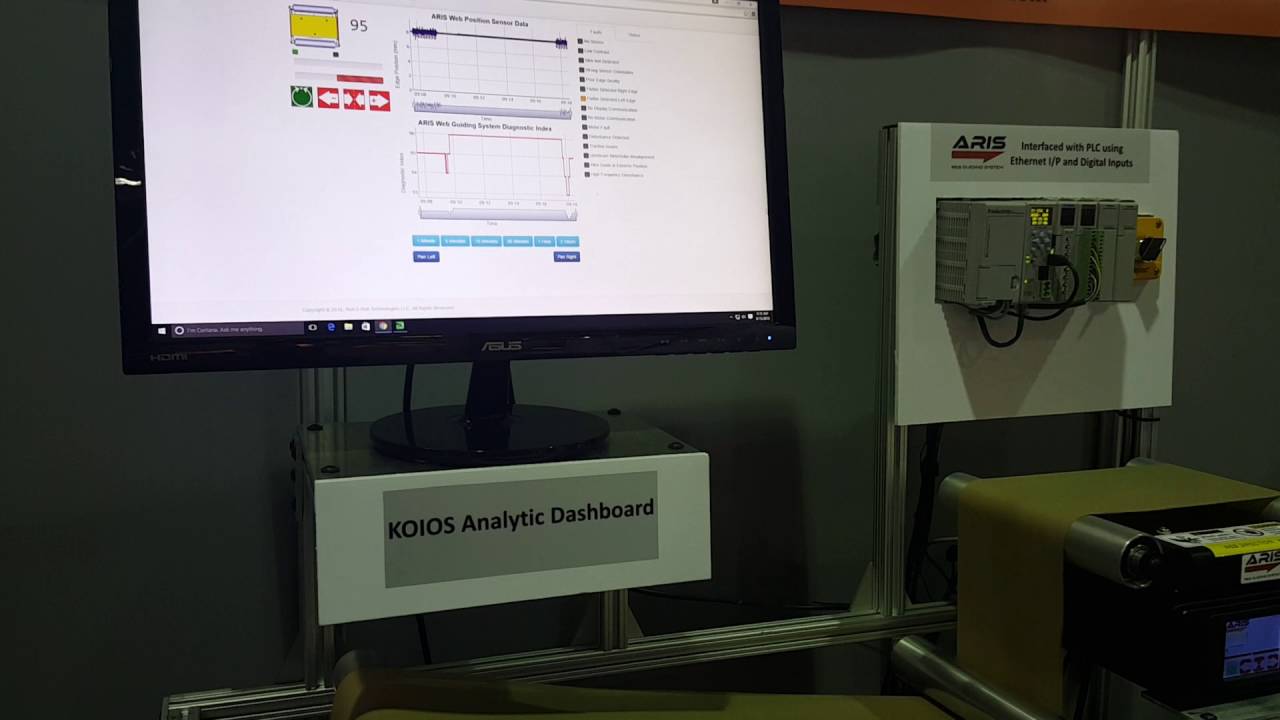
KOIOS is an intelligent data analytics system that can detect issues in the process using the data from ARIS Web Position Sensor and Web Guiding System.

Just received the latest web guiding technology? Check these unpacking instructions before you get started!
Transcript
Show full transcript (203 words)
The ARIS web guiding system will arrive packaged in a cardboard enclosure specially designed for the web guide. Make sure you open the box in the upright position. The upright position can be verified by printing on the outside of the box. The packaging must will be enclosed in a clear pouch on the top of the box.
Use the packaging list to verify the items received. The package will include a product shipping sheet with technical information of the product and links to get online access to the product manual and technical support. Although the packaging is designed to protect the product from shock due to transportation care should be taken and handle in the box with the guide to avoid damaging the device. The sensor is shipped uninstalled from the guide at unit and will be packaged within the protective cardboard enclosures.
The cardboard enclosure is accessible after the web guide is removed from the box. Remove the protective cardboard enclosures carefully to avoid dropping the sensor assembly and remove the sensor from within the cardboard enclosure. The optional pre-wired power adapter will be packaged in the same cardboard enclosure assembly as a sensor unit if the order includes this option.
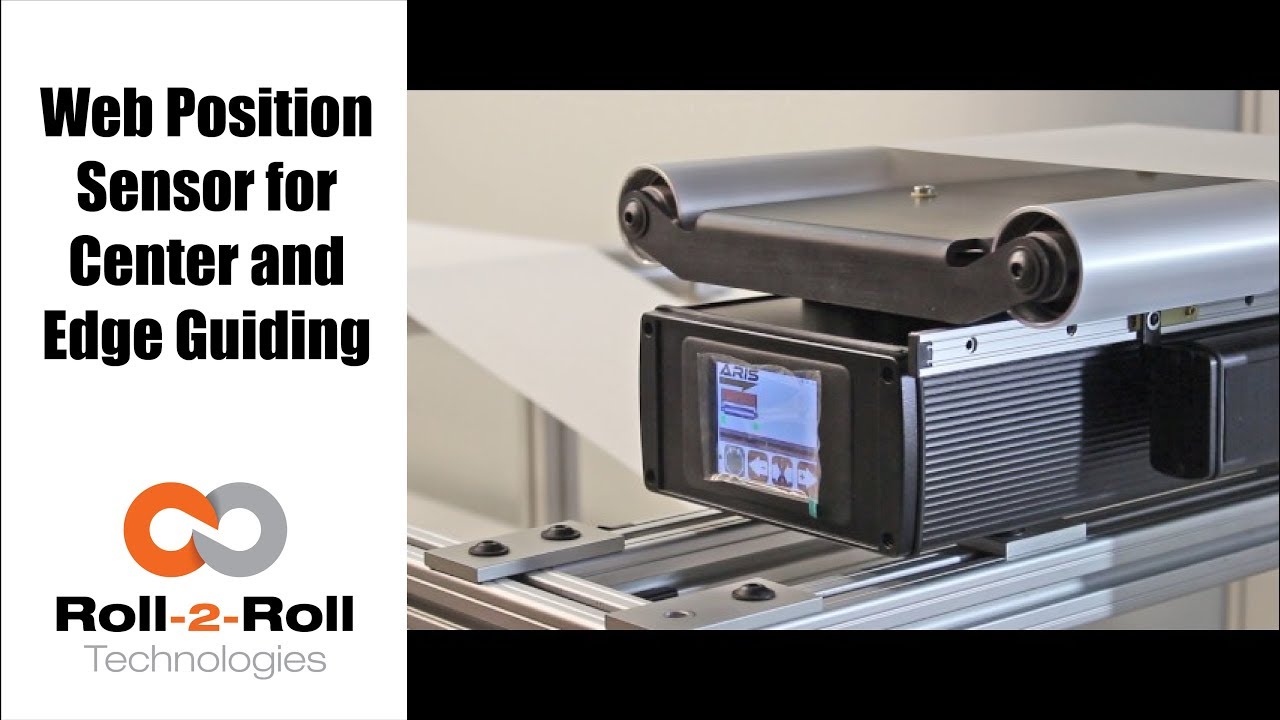
One of the many features of our wide width sensors is the ability to function as a sensor for both edge and center guiding without the need for calibration. See how easy it is to use one sensor for both center and edge web guiding applications in this demonstration of switching from edge guiding to center guiding on-the-fly.
Transcript
Show full transcript (196 words)
Today we want to show you another of the features of our sensors In this case, we have a 221 mm sensor, we can use for center guiding and at the same time for edge guiding, you just by flipping on off switch. Right now We have it set on a 15 inch guide. And it right now set up and run, as a center guide. However so what I'm going to do now we don't recommend you do it on your machine but just to show you how easy it is to just switch the one from center guiding to edge guiding.
So right now as you can see its set on center guiding. Now, I'm going to put the web guide out of automatic to manual and then I'm going to slide the sensor all the way for the position where it's going to be edge guiding on the same position that we have it right and then I'm going to turn it back on and and do edge and find sensor, and I'm going to turn it back on. You can see the maintain same position It's doing exactly edge guiding in the same position.

We are often asked how to calibrate our sensors. This video will show that you don't need to calibrate our sensor.
Transcript
Show full transcript (387 words)
Hi, this is Pedro Velasco with Roll-2-Roll Technologies We want to answer one of the questions that reader in e-news sent us. His question was literally just how do you calibrate your sensors and one of the things we do with Roll-2-Roll Technologies with what we have developed It's that you have to, you don't need to do any calibration of our sensors. Right here today I'm going to do a very short demo using one of our demo units plus two of our main sensors, the 48 millimeters White light sensor to use for contrast sensing and edge sensing and then our white 221 millimeter sensors infrared which we use for edge detection but also for measuring width and center guiding. So let us show you how.
In this case you notice immediately as soon as I plug it in the sensor came on with no need of any other procedure in just coming you know. Now as you can see right now on the screen the sensor I have to go and tell it find the sensor It's searching and then as soon as I put the material It detects where the sensor is at. As you can see it's actually detecting the material as it goes through Ok so now let's say that I want to change the sensor for some other reason and now all [I] do is just unplug the sensor And as soon as I unplug it the display tells us that there's no sensor there and at the same time I'm going to plug in one of our featured sensors the 221 millimeter sensor which has many capabilities like for example We can do edge detection, it can do width sensing and immediately it detects a sensor there. However I'm going to do a search sensor and the same procedure and as soon as I put material it detects the material.
Now it is only guiding off on the edge of the material on the leading edge. That is how simple it is Change Sensors and as you can see there's no need for calibration We hope that this video has helped you understand a little bit more about our about our technology And we will continue to show more stuff, but especially the features that are sensors have. Thank you.

Check out our newest feature in web guide controls for our web guides, which allows you to change the guide point without touching the sensor!
Transcript
Show full transcript (241 words)
Today we want to show a feature in our web guides that allows for guide point adjustment We can do a fine guide point adjustment or a gross guide point adjustment without having to physically move the sensor The adjustment can be made on the operator interface by just sliding our finger across the screen In a previous video we talked about the fine guide point adjustment and today we want to go over the gross point adjustment For that we have to go to the operator interface screen, and there is a black bar on the screen and all you have to do is slide your finger across the black bar and it will move the guide point After that you will need to hit accept and the guide point will be set Unless you hit the accept button after moving the guide point, the system will not register the change in guide point If by mistake you touch the screen and move the guide point, the guide point will return to its original setting unless you hit the accept icon This is just another of our features on our web guides available in the control unit version 2.4 which is standard in all our web guides since June 2017 Fine and gross guide point adjustment, something we believe will be very beneficial for any converting operation Visit our website at www.r2r-tech.com for more information on all these features