
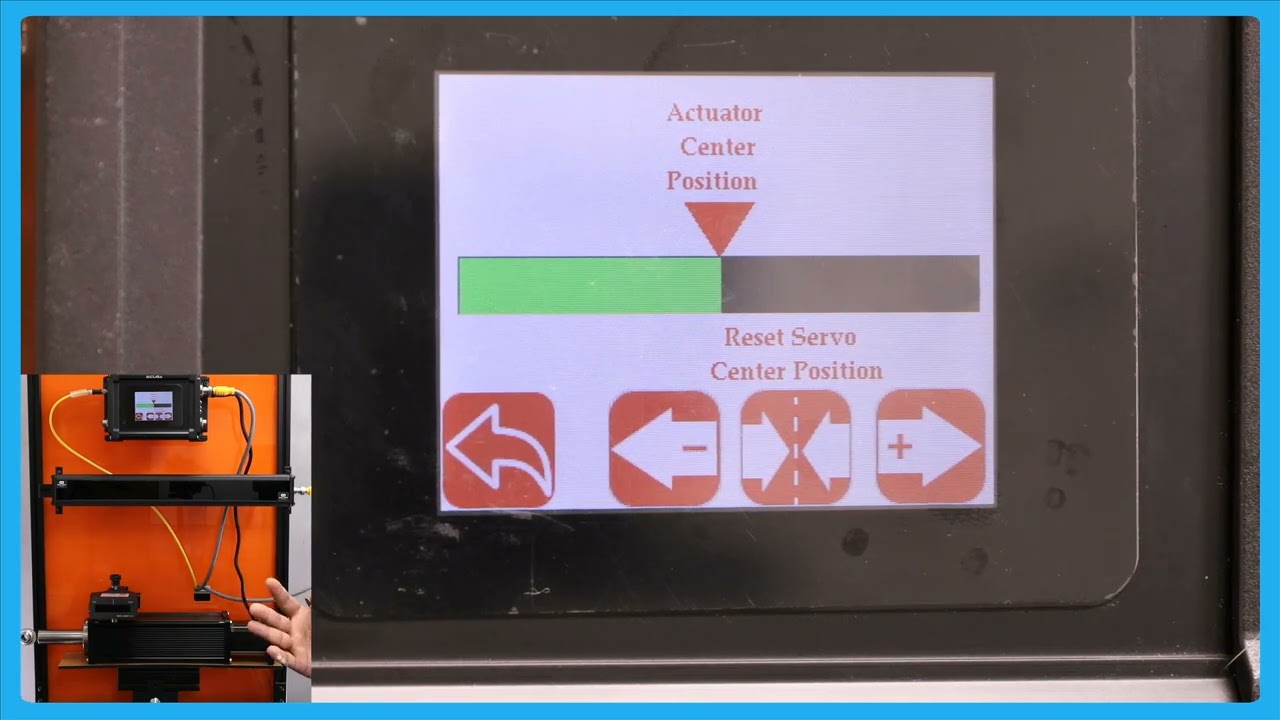
In this episode, we delve into the details of the SCU6x Controller's features, specifically the actuator position bar and the servo center button. By pressing the motor icon on the home screen, users can get a larger view of the actuator position, allowing them to observe the movement of the web guide. The video highlights the importance of understanding the distinct functionality of the servo center button compared to its role on the home screen. Viewers are encouraged to watch subsequent videos to fully grasp these features before using them.
00:00 Introduction to Actuator Position Bar
00:07 Exploring the Motor Icon Functionality
00:24 Understanding the Servo Center Button
00:34 Recommendation for Further Learning
Transcript
Show full transcript (97 words)
one other thing that we have is basically this actuator position bar if you press that motor icon on the hle this let you see a bigger view of the aurator position K in this case if the web tag moves back and forth you can see that actuator bar will move back and forth one thing to note about this Servo center button is that this has a different functionality than what it is in the home screen so we recommend that you take a look at the subsequent videos about this functionality before using this