
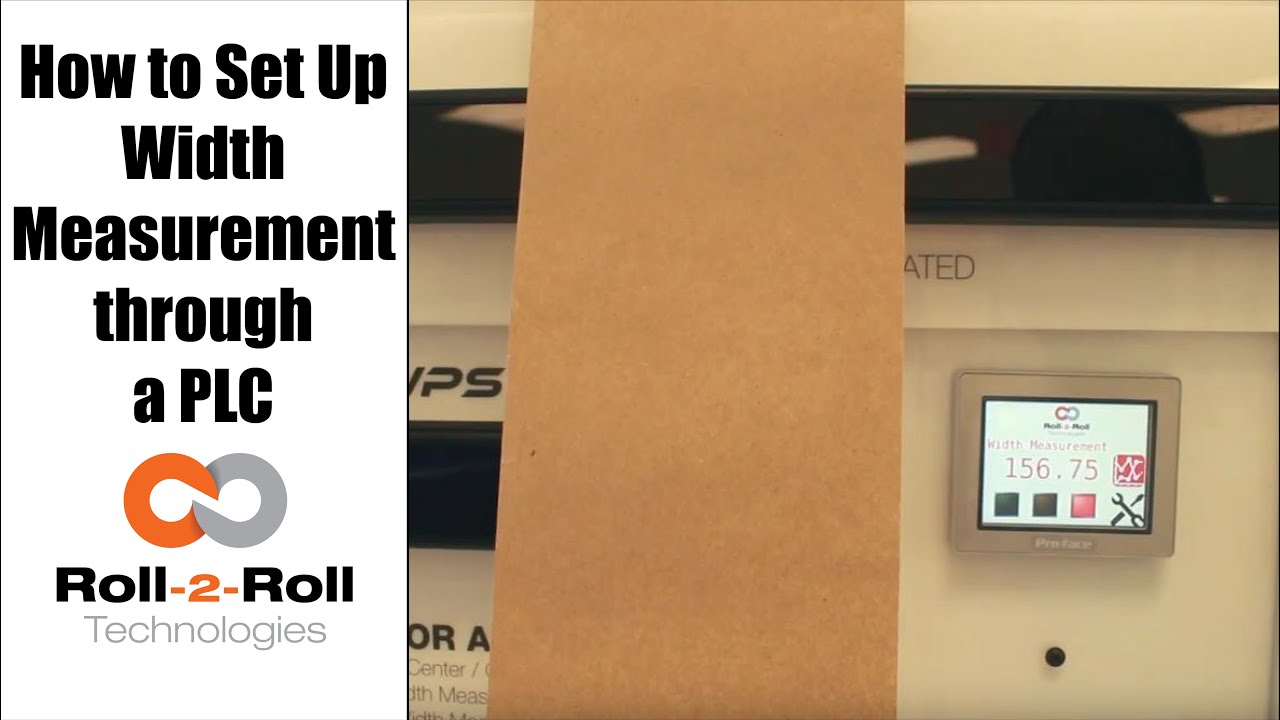
A programmable logic controller (PLC) or programmable controller is an industrial digital computer which has been ruggedized and adapted for the control of manufacturing processes, such as assembly lines, or robotic devices, or any activity that requires high reliability control and ease of programming and process fault diagnosis.
In this case, Roll-2-Roll Technologies programs the PLC for web width measurement in converting operations.
Transcript
Show full transcript (687 words)
okay this is a short video about how to set up the width measurement sensor now the first and foremost thing is the sensor has to be connected to the power supply and to the Ethernet and then a cable goes into the PLC and power for the PLC and for the Ethernet as soon as we tried a new web we present the web take a look at the documentation on our website to say how far the web needs to be with the sensor but once you have that ready we can go into this settings screen and then go to wit setup this is where we would go in and set up what is the nominal width so whenever you start a new job you can probably measure the width of that in this case I've already done that it's 153 millimeters so I'm gonna go in and set hundred and fifty three millimeters that's my limit and then we're gonna press record wait it's going to save that as the correct width we can also set alarms and warnings so depending upon your application so in this case we'll go ahead and set an upper limit of one millimeter for an alarm lower limit of one millimeter for the alarm and then about 0.5 millimeters on either side for the warning these ranges are the ones that are going to trigger the stacked lights so whenever the web width is within the nominal width which is 153 millimeters in this case then you'll have the green light enabled and then when it goes about by about 0.5 millimeters you're gonna have the amber light enabled and then any time it goes about one millimeter you'll have the red light enabled so go to the home screen and you can see that since it is within the spec the greenlight is enabled anytime I go and it increases quite a bit then the red light gets enabled and if I just tilt it a little bit and the weight goes up by half a millimeter then the amber light gets enabled one of the other things that we could do is actually trend the data so as soon as you set the limits the upper and the lower limits so we set it as one millimetre so 153 is our normal width and then we have 152 as the lower limit and 154 is the upper limit and it trends the data anytime that the weight changes they're gonna be able to see that the current measurement is shown here and then a plot for about 30 seconds is shown there so that's about it so if you have jobs where you can do recipes you can go into this and you can start saving those recipes here so you can pick one of those and say load and then you can add those recipe there so you can say product one I want to put the nominal with - 150 millimeters or whatever that may be alarm is - warning is 1 and then you say safe so now that product 1 recipe is saved to that so if you want to load a certain recipe click on that recipe click on load it's gonna load that we go back to 1 and load that we got that whatever that we uploaded will go in now if you want to take this data and put it into your main screen you have to select that product and say accept then that will be the current value for the value so it automatically took that recipe and put it at 182 millimeters the range that we set alarms that he said automatically goes in there so since that's not the right one so let's just go ahead and load it and then put our current value there save accept and now we set our current weight to be 152 which is outside our limits so you got the amber light and then whenever you need to plot it we can plot that data right there so that's a brief overview of the weight measurement with our PLC's you