
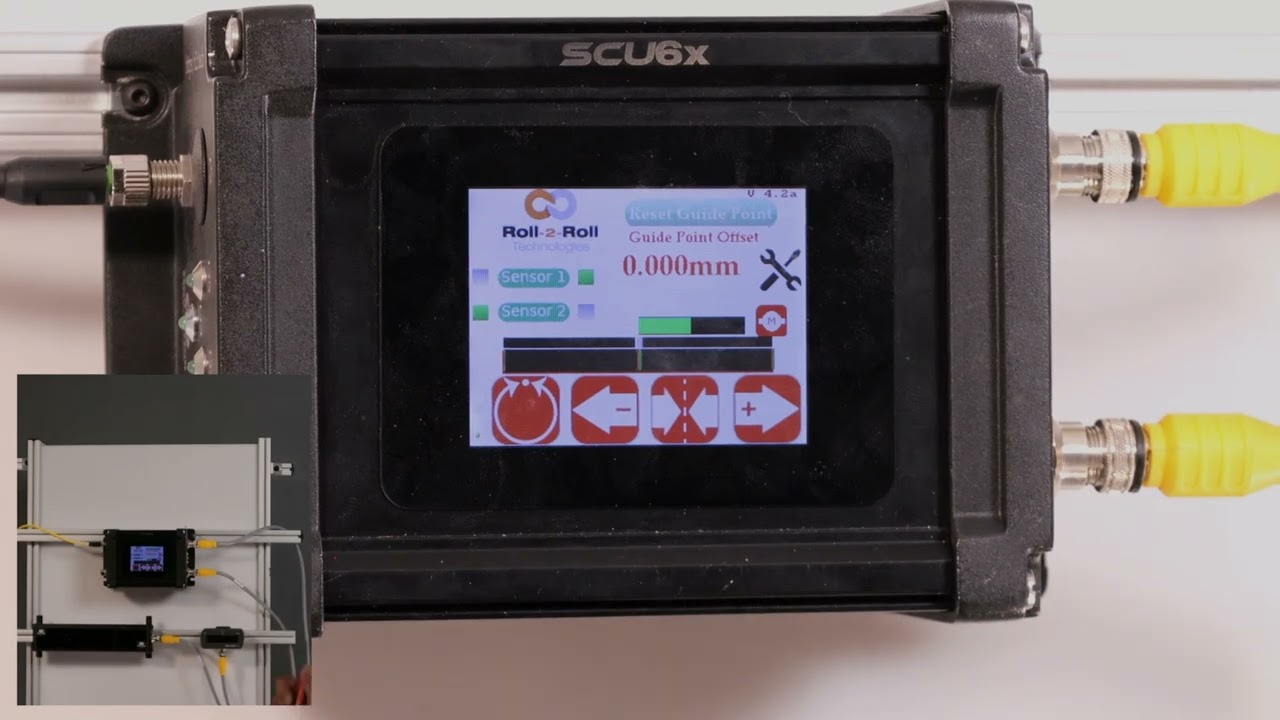
In this episode, we discuss situations where using two sensors becomes essential, particularly when the sensor is not wide enough for the web being monitored. The video demonstrates configuring two sensors: sensor 2 for the left edge and sensor 1 for the right edge. When a piece of paper is presented, it is partly seen by both sensors, allowing them to determine its position. The green line indicates the center line position, while the left and right edges indicate the web's boundaries, showcasing the capabilities of the SCU6x Controller.
00:00 Introduction to Sensor Configuration
00:22 Configuring Left and Right Edge Sensors
00:29 Demonstrating Sensor Coverage
00:39 Interpreting Sensor Data
Transcript
Show full transcript (118 words)
so there are situations where we would have to use two sensors and uh if the sensor is not wi enough or the web is much wider than our sensors then um we would have that scenario I have this sensor tool which is this sensor I have that configured for left Edge in sensor one I have that configured for right Ed and then now the i% a paper that is partly seen by One sensor and partly seen by the other sensor then we're going to see that and then again the green line indicates the center line position and then the right edges and light of the left edges indicate the edges of the w