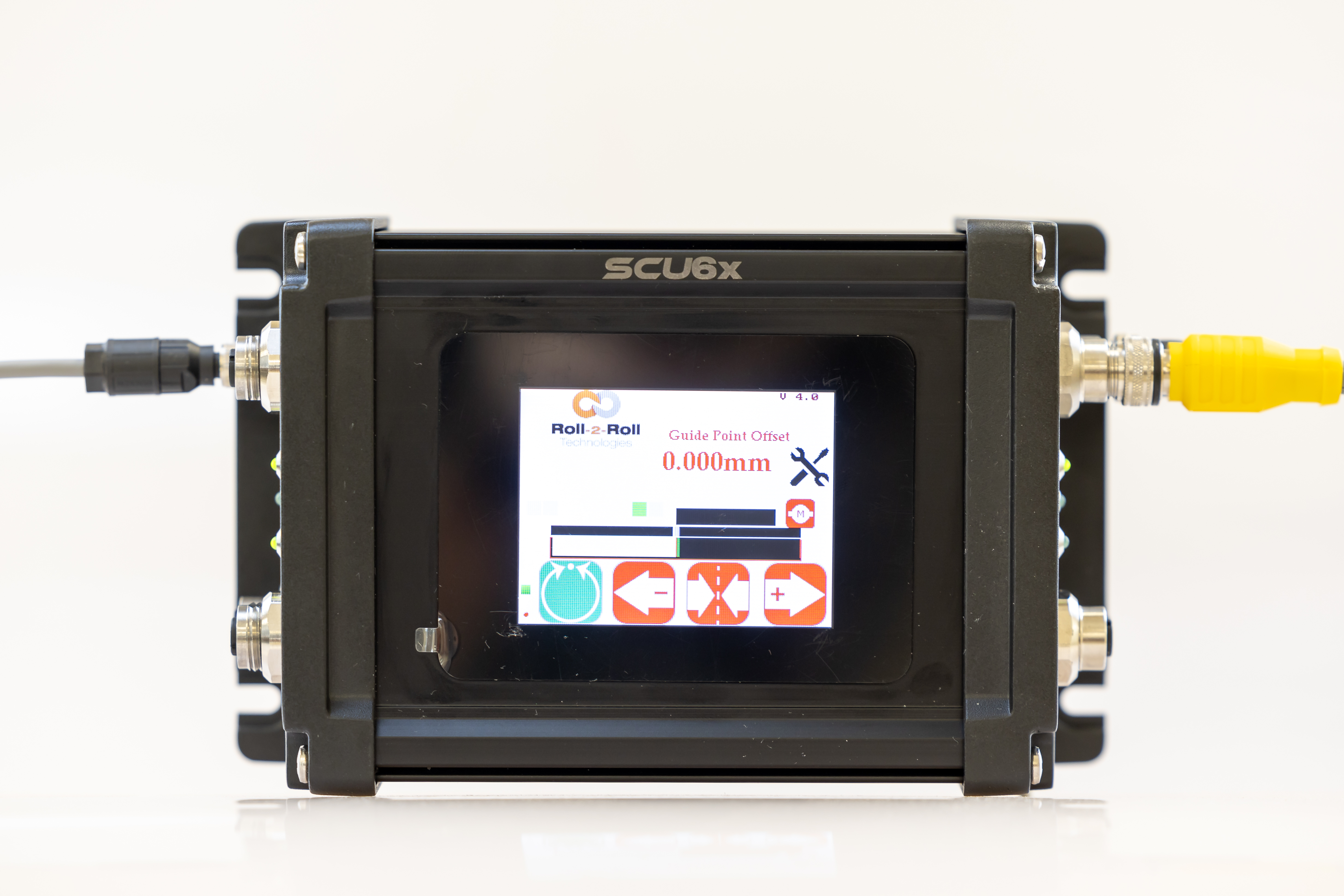
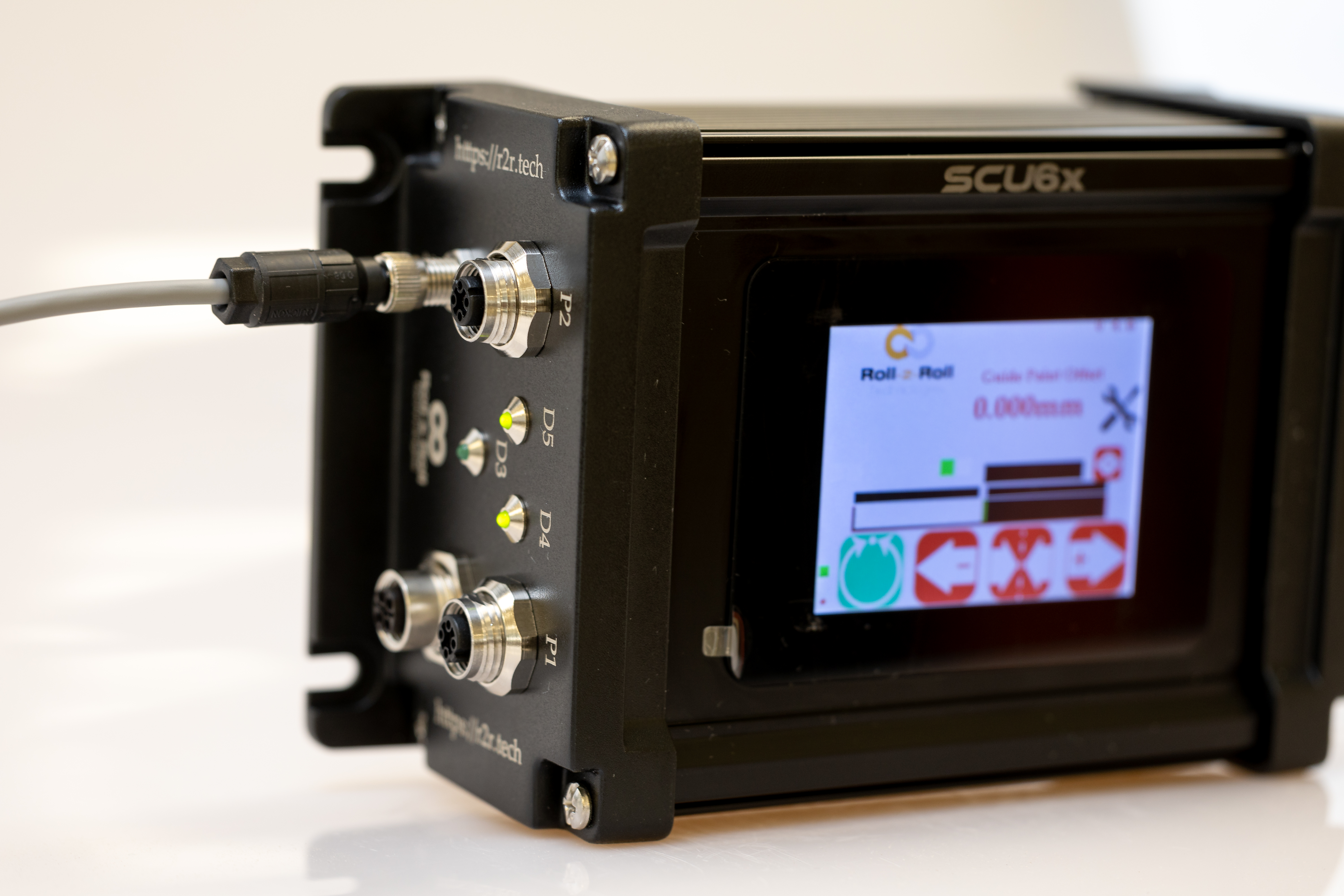
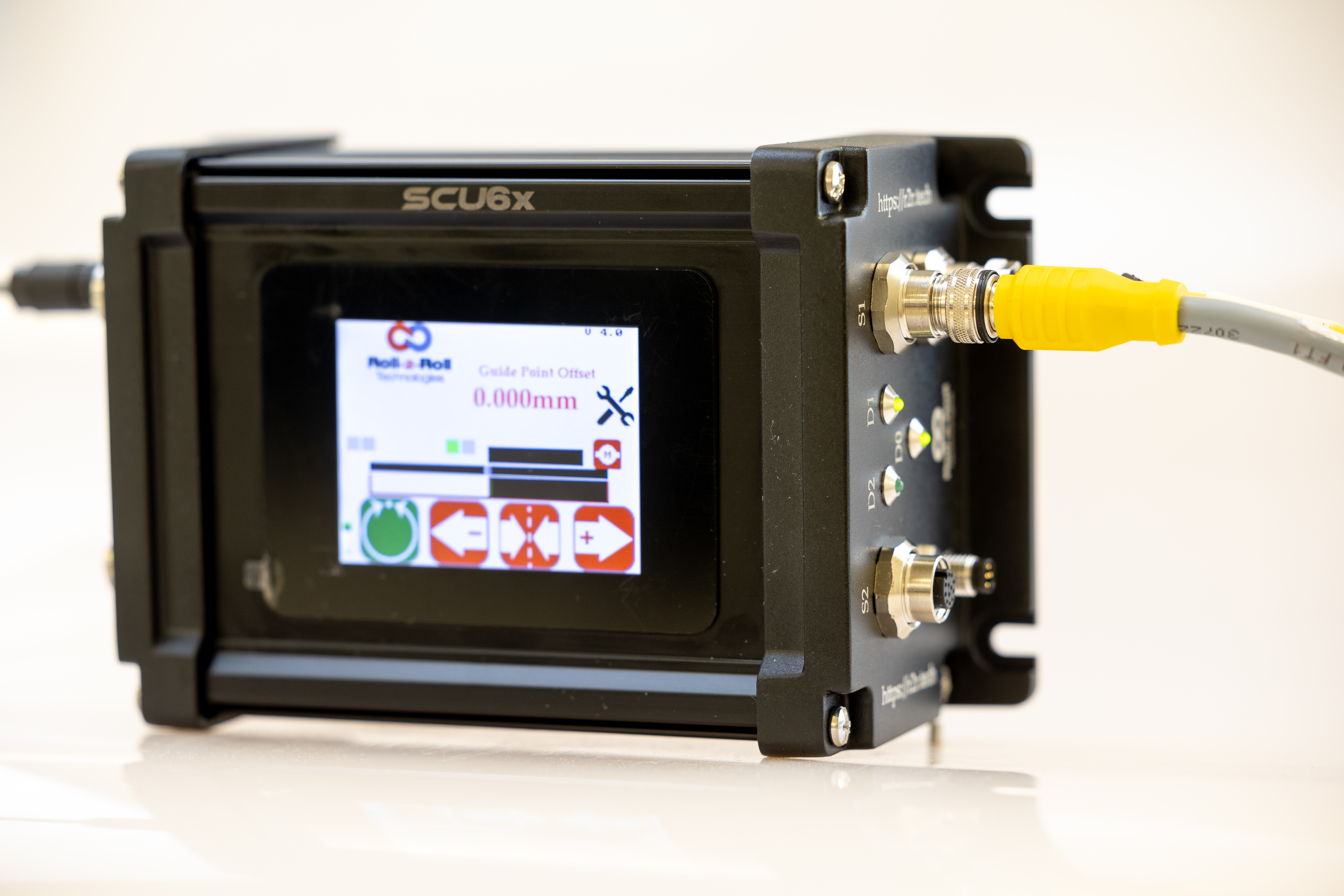
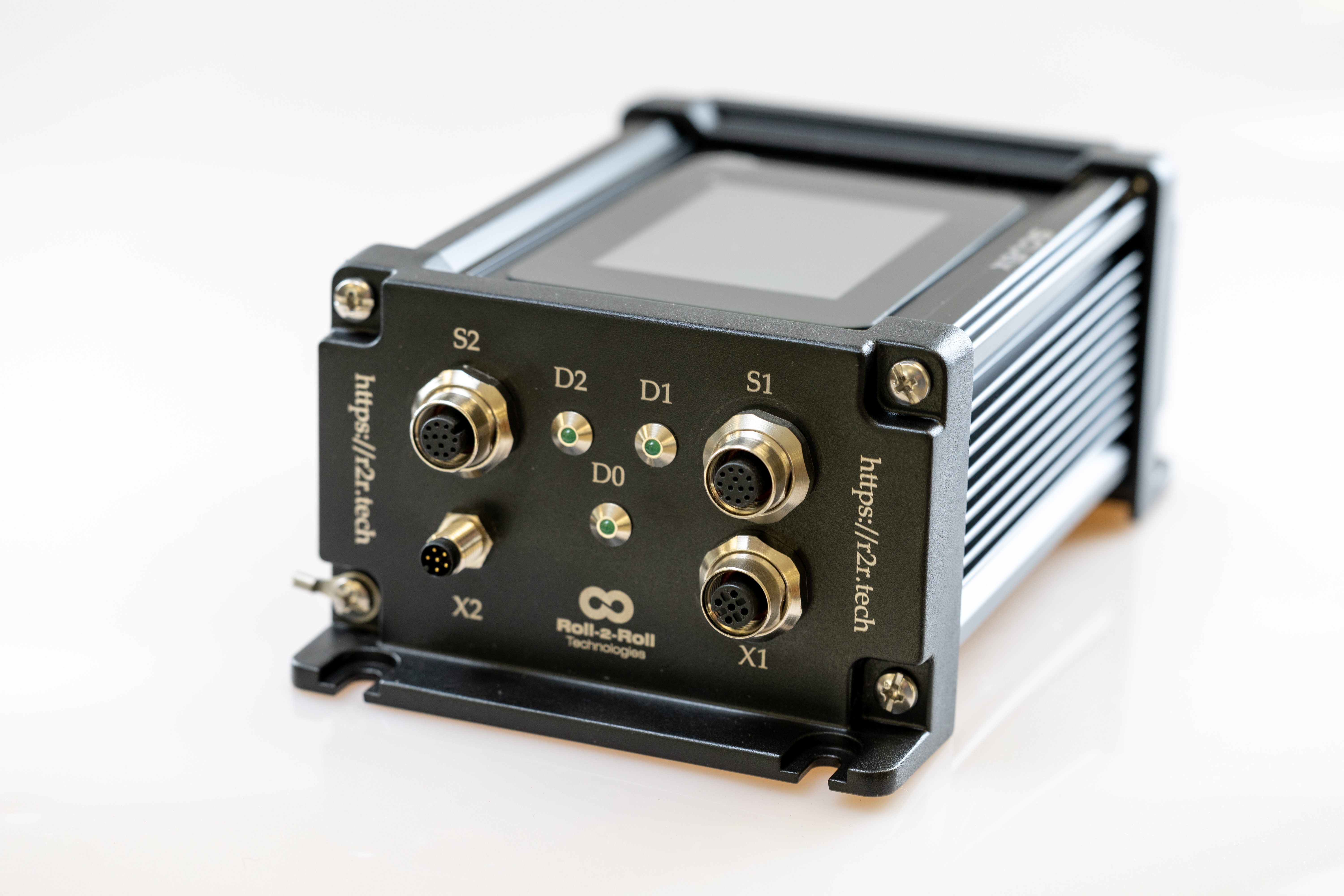
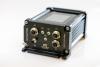
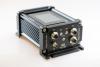
SCU6x
SCU6x: Redefining Performance and Simplicity
Key Features
Technical capabilities designed for precision and reliability.
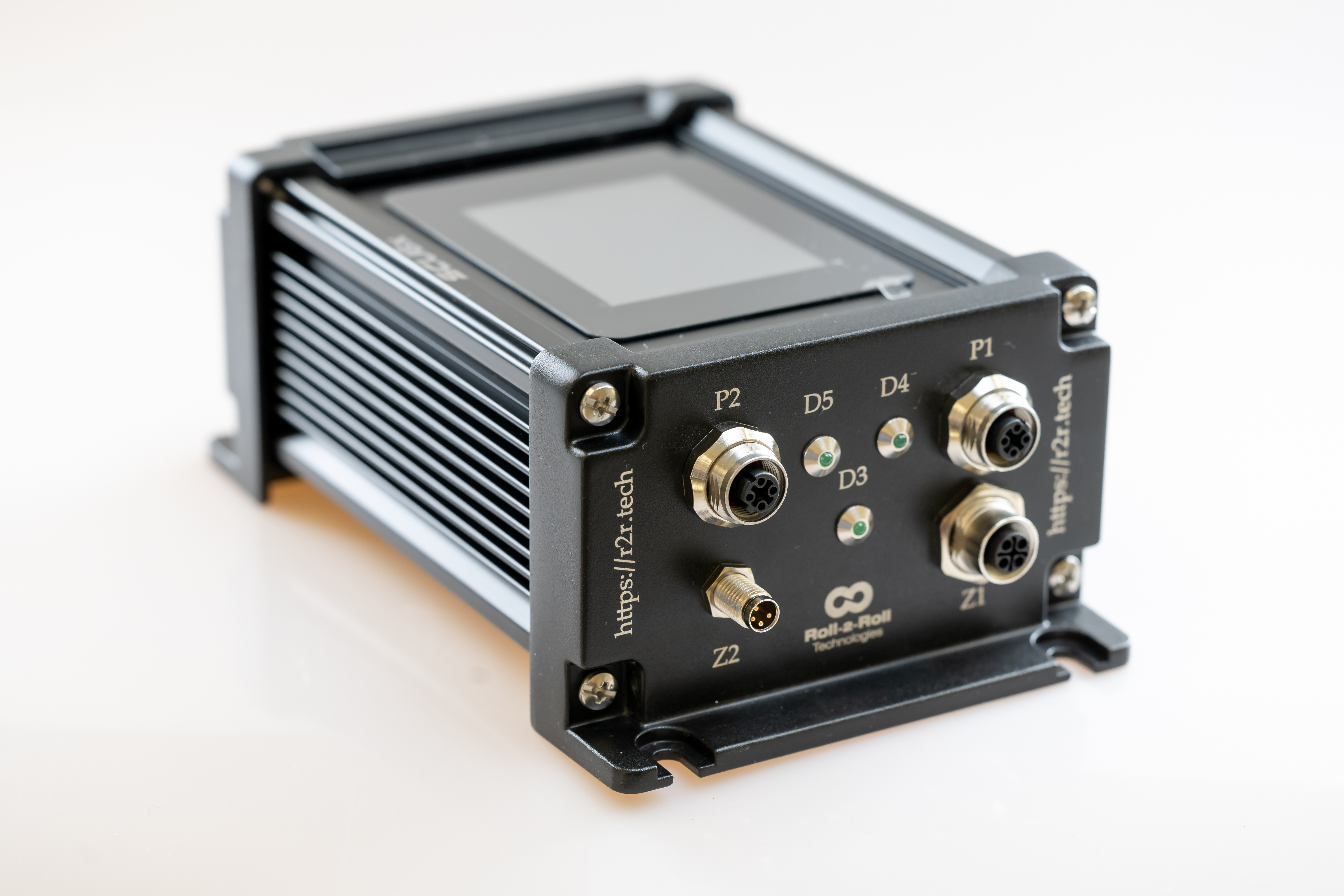
- Next-generation processing – 3x faster than SCU5 with 10x more memory
- Advanced touchscreen – color capacitive touchscreen for intuitive operation
- Dual-port industrial Ethernet – EtherNet/IP, PROFINET, EtherCAT, Modbus/TCP
- Integrated stepper driver – up to 7A per coil for direct actuator control
- Dual rail power – 24V logic + 24-48V driver for enhanced safety and flexibility
- Rich I/O – 4 digital inputs (NPN/PNP/Dry Contact), 3 digital outputs
- 16x faster image capture – 16x higher image resolution vs previous generation
Key Benefits
Measurable business value and operational improvements.
- Stop losing production to slow sensor response at high line speeds
- Eliminate controller bottlenecks – 3x faster processing keeps up with demanding applications
- End integration hassles – dual-port Ethernet with multiple protocol support
- Remove separate driver costs – integrated 7A stepper driver eliminates external components
- Prevent safety incidents – dual rail power isolates logic from motor power
- Stop compromising on precision – 16x higher image resolution for critical applications
Specifications
Detailed technical specifications and performance data.
| Processing Speed | 3x faster than SCU5 | Processor Memory | 10x more than SCU5 |
| Program Storage | 4x more than SCU5 | Image Resolution | 16x higher than SCU5 |
| Processor | 32-bit | Sensor Inputs | 2 independent channels |
| Logic Power | 24 VDC, up to 3A | Driver Power | 24-48 VDC, up to 7A/coil |
| Industrial Ethernet | 2 ports – EtherNet/IP, PROFINET, EtherCAT, Modbus/TCP | ||
| Digital Inputs | 4x (NPN/PNP/Dry Contact) | Digital Outputs | 3x (NPN/PNP) |
| Actuator Output | 1 bi-polar stepper motor, up to 7A per coil | ||
| Operator Interface | Color capacitive touchscreen | Housing | Powder coated aluminum |
| Dimensions | 189.5 x 175.5 x 119.93 mm (7.44 x 6.89 x 4.72 in) | ||
| Operating Temp | -10°C to 65°C (14°F to 150°F) | Protection Class | IP54 |
Documentation & Downloads
CAD files, datasheets, manuals, and technical documentation.
Quick Start Guides
Step-by-step setup guides for this product.
Splice Detection
2 guides
-
Splice Detection — Industrial Ethernet — SCU6x
After completing this guide, your splice detection system will be installed, wired, and configured to automatically detect splices on your moving web — with detection events accessible from your PLC over Industrial Ethernet.
-
Splice Detection — Digital Output — SCU6x
After completing this guide, your splice detection system will be installed, wired, and configured to automatically detect splices on your moving web — with detection events signaled via NPN digital outputs to your stacklight, buzzer, or PLC digital inputs.
Position Measurement
1 guide
-
Position Measurement — Industrial Ethernet — SCU6x
After completing this guide, wired to your SCU6x controller with position data available over Industrial Ethernet for your PLC.
Web Width Measurement
2 guides
-
Web Width Measurement — Digital Monitoring — SCU6x
After completing this guide, wired to your SCU6x controller with pass/fail monitoring output on NPN outputs, plus live width display on the controller touchscreen.
-
Web Width Measurement — Industrial Ethernet — SCU6x
After completing this guide, wired to your SCU6x controller with width data available over Industrial Ethernet for your PLC.
Multiple Web Width Measurement
2 guides
-
Multiple Web Width Measurement — Industrial Ethernet — SCU6x
After completing this guide, wired to your SCU6x controller with per-lane width data for up to 64 lanes available over Industrial Ethernet for your PLC.
-
Multiple Web Width Measurement — Digital Monitoring — SCU6x
After completing this guide, wired to your SCU6x controller with combined pass/fail monitoring output — all lanes within tolerance or any lane out of tolerance — on NPN digital outputs for your stacklight, alarm, or PLC.
Intermediate Web Guide
7 guides
-
Intermediate Web Guide — Edge Guiding — SCU6x
After completing this guide, your web runs with one edge held on target — the guide steers it back the moment it drifts.
-
Intermediate Web Guide — Center Guiding — SCU6x
After completing this guide, your web runs centered between its two edges — the guide holds the center as the edges wander.
-
Intermediate Web Guide — Line Guiding — SCU6x
After completing this guide, your web tracks a printed or physical line — the guide follows the line as it moves across the web.
-
Intermediate Web Guide — Contrast Guiding — SCU6x
After completing this guide, your web tracks a contrast boundary — a coating edge, color change, or stripe — and the guide follows it.
-
Intermediate Web Guide — Master-Slave Guiding — SCU6x
After completing this guide, your slave web follows the master web's side-to-side position, keeping the two layers aligned.
-
Intermediate Web Guide — Open-Loop Oscillation — SCU6x
After completing this guide, your web traverses steadily back and forth on a programmed oscillation, with no edge feedback.
-
Intermediate Web Guide — Closed-Loop Oscillation — SCU6x
After completing this guide, your web oscillates back and forth around a tracked feature, staying referenced to it as the feature moves.
Unwind/Rewind Web Guide
7 guides
-
Unwind/Rewind Web Guide — Edge Guiding — SCU6x
After completing this guide, your web runs with one edge held on target — the stand shifts the roll back the moment the edge drifts.
-
Unwind/Rewind Web Guide — Center Guiding — SCU6x
After completing this guide, your web runs centered between its two edges — the stand shifts the roll to hold the centerline as the edges wander.
-
Unwind/Rewind Web Guide — Line Guiding — SCU6x
After completing this guide, your web tracks a printed or physical line — the stand shifts the roll to hold the line on target as it moves across the web.
-
Unwind/Rewind Web Guide — Contrast Guiding — SCU6x
After completing this guide, your web tracks a contrast boundary — a coating edge, color change, or stripe — and the stand shifts the roll to hold it on target.
-
Unwind/Rewind Web Guide — Oscillation (Open Loop) — SCU6x
After completing this guide, your roll traverses steadily back and forth on a commanded oscillation, with no web feedback.
-
Unwind/Rewind Web Guide — Oscillation (Closed Loop) — SCU6x
After completing this guide, your web oscillates back and forth around a tracked feature — the oscillation rides on top of sensor guiding, staying referenced as the feature moves.
-
Unwind/Rewind Web Guide — Master/Slave Guiding — SCU6x
After completing this guide, your slave web follows the master web's side-to-side position — the stand shifts the roll to keep the two layers aligned.
Retrofit an Existing Web Guide
5 guides
-
Retrofit an Existing Web Guide — Edge Guiding — SCU6x
After completing this guide, your existing guide runs on Roll-2-Roll control with one web edge held on target — the new actuator steers the web back the moment it drifts.
-
Retrofit an Existing Web Guide — Center Guiding — SCU6x
After completing this guide, your existing guide runs on Roll-2-Roll control with the web centered between its two edges — the new actuator holds the center as the edges wander.
-
Retrofit an Existing Web Guide — Contrast Guiding — SCU6x
After completing this guide, your existing guide runs on Roll-2-Roll control tracking a contrast boundary — a coating edge, color change, or stripe — and the new actuator steers the web to follow it the moment it drifts.
-
Retrofit an Existing Web Guide — Line Guiding — SCU6x
After completing this guide, your existing guide runs on Roll-2-Roll control tracking a printed or physical line — the new actuator follows the line as it moves across the web.
-
Retrofit an Existing Web Guide — Master-Slave Guiding — SCU6x
After completing this guide, your existing guide runs on Roll-2-Roll control with the slave web following the master web's side-to-side position — the new actuator keeps the two layers aligned.
Product Videos
Watch demonstrations, tutorials, and application examples.