
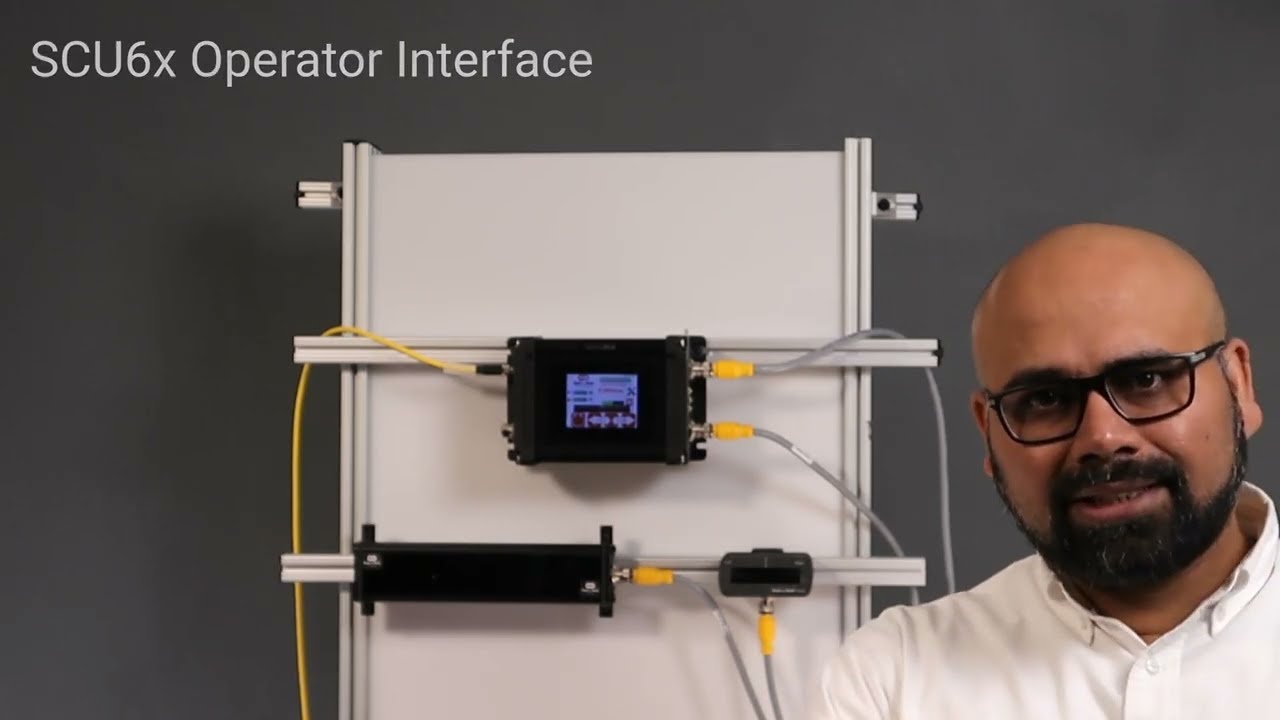
In this video, we dive into the SCU6x Controller's guide point reset feature. This functionality allows operators to switch web widths seamlessly without having to physically move the sensor. Traditionally, changing web widths involved manually adjusting narrowband sensors, but the SCU6x Controller offers a digital solution. We demonstrate the process of resetting the guide point through the controller's home screen, showing how an operator can set a new reference point with just a button press. The guide point offset is also explained, providing precise control down to millimeters. Watch as we walk through utilizing this feature for efficient and accurate sensor adjustments.
00:00 Introduction to Reset Guide Point
00:16 Traditional Sensor Adjustment Challenges
00:50 Digital Guide Point Adjustment
01:34 Demonstration of Guide Point Reset
01:43 Guide Point Offset Explanation
02:26 Final Demonstration and Conclusion
Transcript
Show full transcript (496 words)
one other key feature that we have is what we call as reset K Co this enables our operators to switch from one width to another width without moving the sensor itself in a traditional application where you have a narrow band sensor that say it's about 6 mm that's looking at one edge of the web if you change from one web width to another web width then what they have to do is they have to physically move the sensor that's like having a rail and move it there and the other thing that they do is that they might have to do a they they might have a micrometer or a fine adjustment to move that sensor just a little bit based on what the guide point is all of these things could be done digitally from our home screen and that's what I'm going to show show you next to show the gide point adjustment uh I have one sensor connected to the controller and enabled and it's set to the left sensor configuration so you can see that when the web moves here it's the left sensor configuration now what we want to do is we want to change the guide point let's say we are running a different job at a different location instead of moving the sensor we want to change the GU point so let for example this is the web and we have traded the web and this is the correct location or this is the ideal location where we want the new reference to be or the game plate to be all that the operator needs to do to reset to this grap point is to press that button and accept and that will change the G point so the G Point offset on this whole screen is showing us how far away from the middle is the current gate point and right now it's exactly in the middle of the sensor speed the you and that's why zero and Visually it's also indicated by this bar right here and this is exactly in the middle of the field of view of that now if we go to the left of the gate point and let's say this is our new reference and the operators instead of moving the sensor they can move the gate point so all that they need to do is press the reset gate point and say accept now we can see that the gate Point number moved there and also this big Point bar with there you know so that one more time let's say they want to use this current web position as the reference then press reset take point and accept and it moves there so this number right here the G Point offset what is showing is that what is the offset from the middle and in that is indicated in MIM so that's to reset the gate point