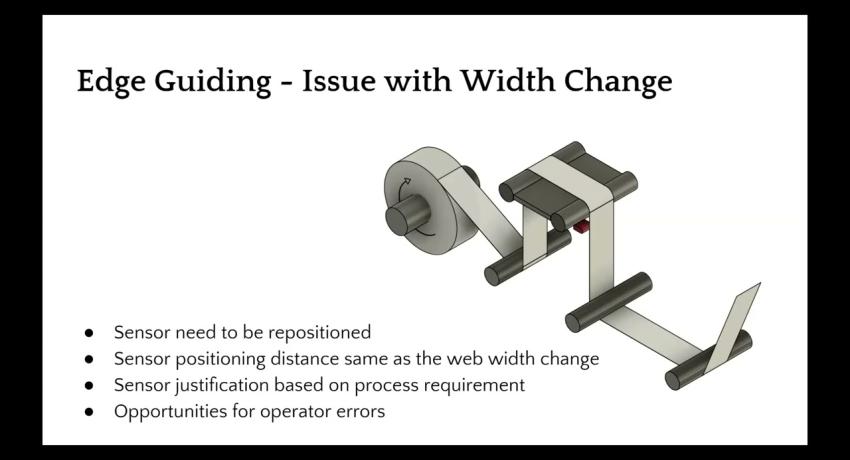
Plants using ultrasonic or infrared sensors lose several hours each month to recalibration when materials change. Every adjustment is labor cost and production time you never recover.
ODC 96
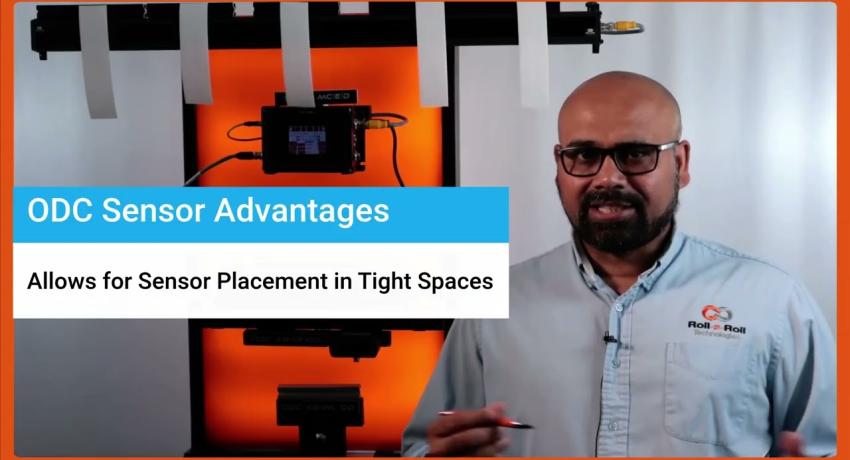
Affordable Camera Technology to Replace Machine Vision
Key Features
Technical capabilities designed for precision and reliability.
- Zero recalibration – sensor adapts automatically to any material (clear, opaque, metallic, nonwoven, mesh)
- High resolution – hardware resolution independent of sensing range
- Material-agnostic detection – fiber-optic technology based on light scattering and spatial filtering
- Temperature immune – unlike ultrasonic sensors, performance unaffected by temperature changes
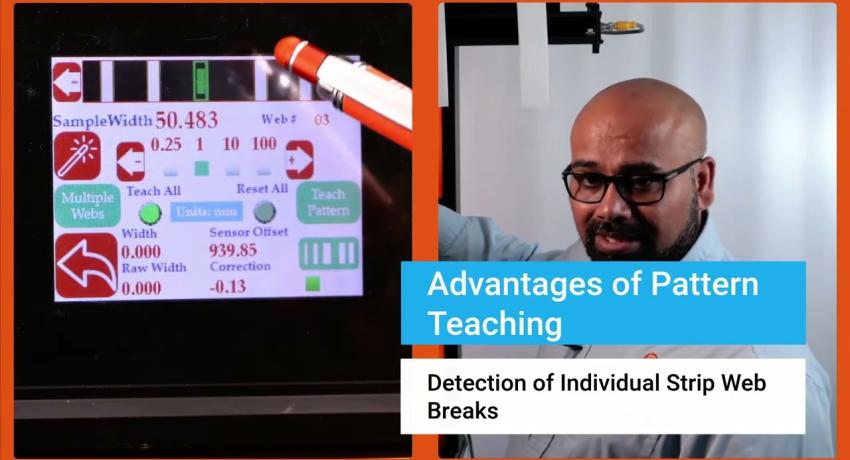
- One sensor, multiple applications – edge guiding, width measurement, centerline detection, and more
Key Benefits
Measurable business value and operational improvements.
- Stop losing hours to sensor recalibration when switching between materials
- Eliminate changeover delays – no manual sensor adjustments between product runs
- End quality escapes caused by undetected sensor drift between changeovers
- Remove safety risks from operators accessing sensors in awkward positions
- Prevent hidden scrap from temperature-related inaccuracies that plague ultrasonic sensors
Specifications
Detailed technical specifications and performance data.
| Sensor Type | Fiber Optic (diffuse-reflective) | Sensing Range | 96 mm (3.8 in) |
| Resolution | 0.0635 mm (0.0025 in) or 0.127 mm (0.005 in) | Repeatability | >99.9% |
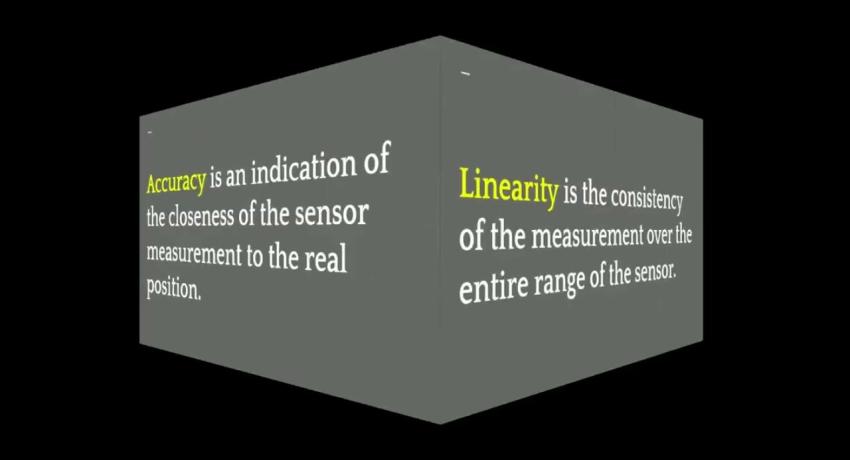
| Linearity Error | <0.25% | Response Time | 20 ms standard, 5 ms with special firmware |
| Camera Type | CMOS line scan camera | Light Source | Infrared (880 nm), UV (385 nm), White light |
| Working Distance | 15-25 mm (0.6-1 in) | Cable Length | Up to 10 m (33 ft) |
| Connector | M12 12-pin male A Coded | Housing | Aluminum Extrusion |
| IP Rating | IP54 (IP64 on request) | Operating Temp | -10°C to 65°C (14°F to 150°F) |
| Controller Required | Yes (SCU5 or SCU6x) | Vacuum Compatible | Yes |
Documentation & Downloads
CAD files, datasheets, manuals, and technical documentation.
Quick Start Guides
Step-by-step setup guides for this product.
Splice Detection
2 guides
-
Splice Detection — Industrial Ethernet — SCU6x
After completing this guide, your splice detection system will be installed, wired, and configured to automatically detect splices on your moving web — with detection events accessible from your PLC over Industrial Ethernet.
-
Splice Detection — Digital Output — SCU6x
After completing this guide, your splice detection system will be installed, wired, and configured to automatically detect splices on your moving web — with detection events signaled via NPN digital outputs to your stacklight, buzzer, or PLC digital inputs.
Position Measurement
3 guides
-
Position Measurement — Analog Output — SCU5
After completing this guide, wired to your SCU5 D+ controller with position output as a voltage or current signal for your PLC, drive, or display.
-
Position Measurement — Industrial Ethernet — SCU5
After completing this guide, wired to your SCU5 C(x)D controller with position data available over Industrial Ethernet for your PLC.
-
Position Measurement — Industrial Ethernet — SCU6x
After completing this guide, wired to your SCU6x controller with position data available over Industrial Ethernet for your PLC.
Web Width Measurement
5 guides
-
Web Width Measurement — Analog Output — SCU5
After completing this guide, wired to your SCU5 D+ controller with web width output as a voltage or current signal for your PLC, drive, or display.
-
Web Width Measurement — Digital Monitoring — SCU5
After completing this guide, wired to your SCU5 DIO controller with pass/fail monitoring output — width within tolerance, width too narrow, or width too wide — on 24V-compatible NPN outputs for your stacklight, alarm, or PLC.
-
Web Width Measurement — Industrial Ethernet — SCU5
After completing this guide, wired to your SCU5 C(x)D controller with width data available over Industrial Ethernet for your PLC.
-
Web Width Measurement — Digital Monitoring — SCU6x
After completing this guide, wired to your SCU6x controller with pass/fail monitoring output on NPN outputs, plus live width display on the controller touchscreen.
-
Web Width Measurement — Industrial Ethernet — SCU6x
After completing this guide, wired to your SCU6x controller with width data available over Industrial Ethernet for your PLC.
Multiple Web Width Measurement
2 guides
-
Multiple Web Width Measurement — Industrial Ethernet — SCU6x
After completing this guide, wired to your SCU6x controller with per-lane width data for up to 64 lanes available over Industrial Ethernet for your PLC.
-
Multiple Web Width Measurement — Digital Monitoring — SCU6x
After completing this guide, wired to your SCU6x controller with combined pass/fail monitoring output — all lanes within tolerance or any lane out of tolerance — on NPN digital outputs for your stacklight, alarm, or PLC.
Intermediate Web Guide
12 guides
-
Intermediate Web Guide — Edge Guiding — SCU5
After completing this guide, your web runs with one edge held on target — the guide steers it back the moment it drifts.
-
Intermediate Web Guide — Edge Guiding — SCU6x
After completing this guide, your web runs with one edge held on target — the guide steers it back the moment it drifts.
-
Intermediate Web Guide — Center Guiding — SCU5
After completing this guide, your web runs centered between its two edges — the guide holds the center as the edges wander.
-
Intermediate Web Guide — Center Guiding — SCU6x
After completing this guide, your web runs centered between its two edges — the guide holds the center as the edges wander.
-
Intermediate Web Guide — Line Guiding — SCU5
After completing this guide, your web tracks a printed or physical line — the guide follows the line as it moves across the web.
-
Intermediate Web Guide — Line Guiding — SCU6x
After completing this guide, your web tracks a printed or physical line — the guide follows the line as it moves across the web.
-
Intermediate Web Guide — Contrast Guiding — SCU5
After completing this guide, your web tracks a contrast boundary — a coating edge, color change, or stripe — and the guide follows it.
-
Intermediate Web Guide — Contrast Guiding — SCU6x
After completing this guide, your web tracks a contrast boundary — a coating edge, color change, or stripe — and the guide follows it.
-
Intermediate Web Guide — Master-Slave Guiding — SCU5
After completing this guide, your slave web follows the master web's side-to-side position, keeping the two layers aligned.
-
Intermediate Web Guide — Master-Slave Guiding — SCU6x
After completing this guide, your slave web follows the master web's side-to-side position, keeping the two layers aligned.
-
Intermediate Web Guide — Closed-Loop Oscillation — SCU5
After completing this guide, your web oscillates back and forth around a tracked feature, staying referenced to it as the feature moves.
-
Intermediate Web Guide — Closed-Loop Oscillation — SCU6x
After completing this guide, your web oscillates back and forth around a tracked feature, staying referenced to it as the feature moves.
Unwind/Rewind Web Guide
12 guides
-
Unwind/Rewind Web Guide — Edge Guiding — SCU5
After completing this guide, your web runs with one edge held on target — the stand shifts the roll back the moment the edge drifts.
-
Unwind/Rewind Web Guide — Edge Guiding — SCU6x
After completing this guide, your web runs with one edge held on target — the stand shifts the roll back the moment the edge drifts.
-
Unwind/Rewind Web Guide — Center Guiding — SCU5
After completing this guide, your web runs centered between its two edges — the stand shifts the roll to hold the centerline as the edges wander.
-
Unwind/Rewind Web Guide — Center Guiding — SCU6x
After completing this guide, your web runs centered between its two edges — the stand shifts the roll to hold the centerline as the edges wander.
-
Unwind/Rewind Web Guide — Line Guiding — SCU5
After completing this guide, your web tracks a printed or physical line — the stand shifts the roll to hold the line on target as it moves across the web.
-
Unwind/Rewind Web Guide — Line Guiding — SCU6x
After completing this guide, your web tracks a printed or physical line — the stand shifts the roll to hold the line on target as it moves across the web.
-
Unwind/Rewind Web Guide — Contrast Guiding — SCU5
After completing this guide, your web tracks a contrast boundary — a coating edge, color change, or stripe — and the stand shifts the roll to hold it on target.
-
Unwind/Rewind Web Guide — Contrast Guiding — SCU6x
After completing this guide, your web tracks a contrast boundary — a coating edge, color change, or stripe — and the stand shifts the roll to hold it on target.
-
Unwind/Rewind Web Guide — Oscillation (Closed Loop) — SCU5
After completing this guide, your web oscillates back and forth around a tracked feature — the oscillation rides on top of sensor guiding, staying referenced as the feature moves.
-
Unwind/Rewind Web Guide — Oscillation (Closed Loop) — SCU6x
After completing this guide, your web oscillates back and forth around a tracked feature — the oscillation rides on top of sensor guiding, staying referenced as the feature moves.
-
Unwind/Rewind Web Guide — Master/Slave Guiding — SCU5
After completing this guide, your slave web follows the master web's side-to-side position — the stand shifts the roll to keep the two layers aligned.
-
Unwind/Rewind Web Guide — Master/Slave Guiding — SCU6x
After completing this guide, your slave web follows the master web's side-to-side position — the stand shifts the roll to keep the two layers aligned.
Retrofit an Existing Web Guide
10 guides
-
Retrofit an Existing Web Guide — Edge Guiding — SCU5
After completing this guide, your existing guide runs on Roll-2-Roll control with one web edge held on target — the new actuator steers the web back the moment it drifts.
-
Retrofit an Existing Web Guide — Edge Guiding — SCU6x
After completing this guide, your existing guide runs on Roll-2-Roll control with one web edge held on target — the new actuator steers the web back the moment it drifts.
-
Retrofit an Existing Web Guide — Center Guiding — SCU5
After completing this guide, your existing guide runs on Roll-2-Roll control with the web centered between its two edges — the new actuator holds the center as the edges wander.
-
Retrofit an Existing Web Guide — Center Guiding — SCU6x
After completing this guide, your existing guide runs on Roll-2-Roll control with the web centered between its two edges — the new actuator holds the center as the edges wander.
-
Retrofit an Existing Web Guide — Contrast Guiding — SCU5
After completing this guide, your existing guide runs on Roll-2-Roll control tracking a contrast boundary — a coating edge, color change, or stripe — and the new actuator steers the web to follow it the moment it drifts.
-
Retrofit an Existing Web Guide — Contrast Guiding — SCU6x
After completing this guide, your existing guide runs on Roll-2-Roll control tracking a contrast boundary — a coating edge, color change, or stripe — and the new actuator steers the web to follow it the moment it drifts.
-
Retrofit an Existing Web Guide — Line Guiding — SCU5
After completing this guide, your existing guide runs on Roll-2-Roll control tracking a printed or physical line — the new actuator follows the line as it moves across the web.
-
Retrofit an Existing Web Guide — Line Guiding — SCU6x
After completing this guide, your existing guide runs on Roll-2-Roll control tracking a printed or physical line — the new actuator follows the line as it moves across the web.
-
Retrofit an Existing Web Guide — Master-Slave Guiding — SCU5
After completing this guide, your existing guide runs on Roll-2-Roll control with the slave web following the master web's side-to-side position — the new actuator keeps the two layers aligned.
-
Retrofit an Existing Web Guide — Master-Slave Guiding — SCU6x
After completing this guide, your existing guide runs on Roll-2-Roll control with the slave web following the master web's side-to-side position — the new actuator keeps the two layers aligned.
Product Videos
Watch demonstrations, tutorials, and application examples.