
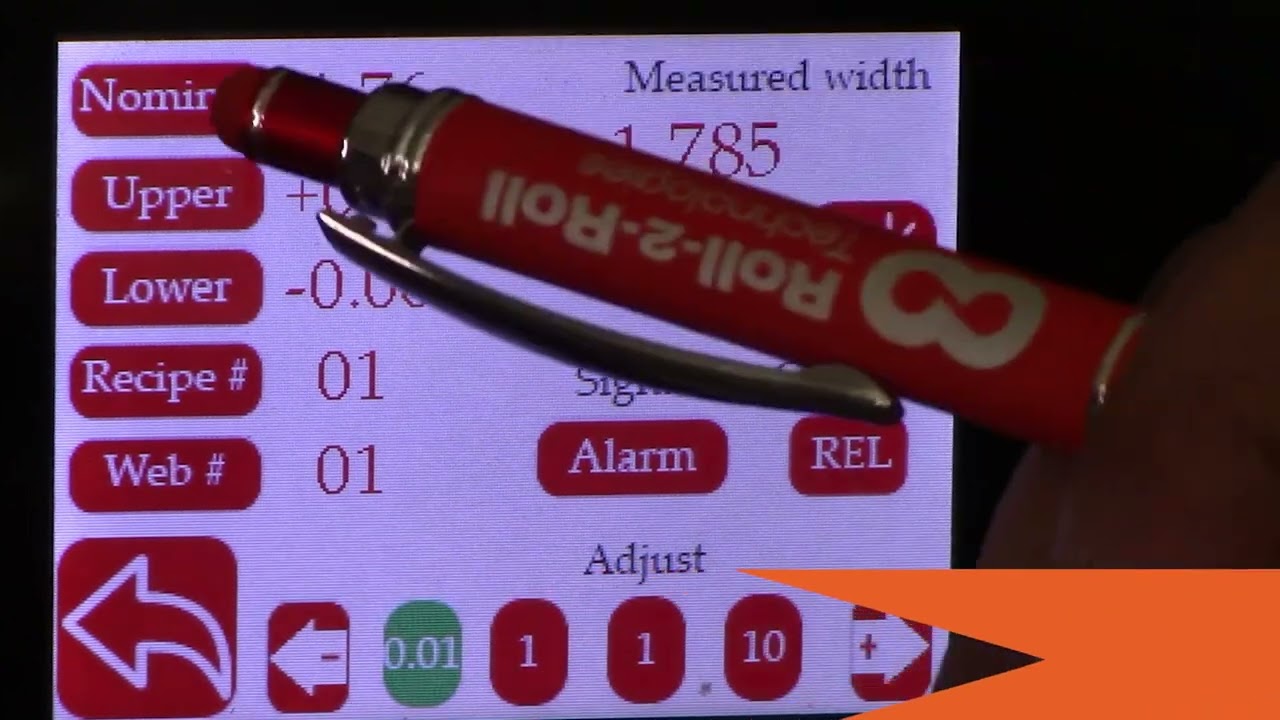
Web Width Measurement with SCU5 Controller: Digital Output to Drive Stack Light
Transcript
Show full transcript (614 words)
hello everyone this is arvind say shadri from Roll to roll Technologies today I'm here to talk a little bit about our width measurement system with the digital output we have a demo set up here where we have two sensors the odc48 set up for width measurement application and that was going to provide a digital output and we have a stack light in the back and that's going to provide an output based on whether it is within range or not in order to do that let's go ahead and first set up a few things I'm going to go into the tools icon here power user and make sure that both sensors are enabled one is set to left the other one is set to right and then can go in and make sure that the image that we are looking at is good Sensor One image is good Sensor 2 image is good make sure that both the brightness are frozen take a look at our previous videos for more information on how to set these things up both sensors are in Edge mode and now we are pretty much ready to go go and enable the width output so analog and if you set that mode to be width then you should be able to see that now we can go in and teach the system for the width of the web in this particular case the width of the web is six inches so I'm going to go in and set that up to six inches oh six right there okay and then I can do the teaching so I can teach and accept and now we have set up the width and basically what we did was we taught the two sensors or we thought the controller the distance between the two sensors based on the web that we already have and we also have the upper limit and lower limit for the alarm signal and if we press this then we have the warning signal we have the upper limit and the lower limit for the warning signal as well so we can set up both of these and once that is done we can either choose the output is relative or absolute and if you press relative then the screen is going to show just the change in width and then if you have it absolute it's going to show you the actual width itself let's go to the home screen and you can see that it's in relatives because we taught the sensor right now everything is fine we do have this threaded up with the web that has some width changes so one of the things that we are doing is that the same sensors that are used for width measurement are also used for guiding this is applicable as long as you don't have too much plane change in your guiding application so what we're going to do is we're going to turn it in auto start the web guide and let it run so this is showing the the real time with change but as you can see in this stack light right here when the width changes from there's the Green in the bottom and then Amber and red showing that as the width goes above or below those warning limits or alarm limits the output is going to turn on really simple system for width monitoring and like I said it can also be done with guiding at the same time for more information about our products and different application visit our website and subscribe to our Channel thank you