
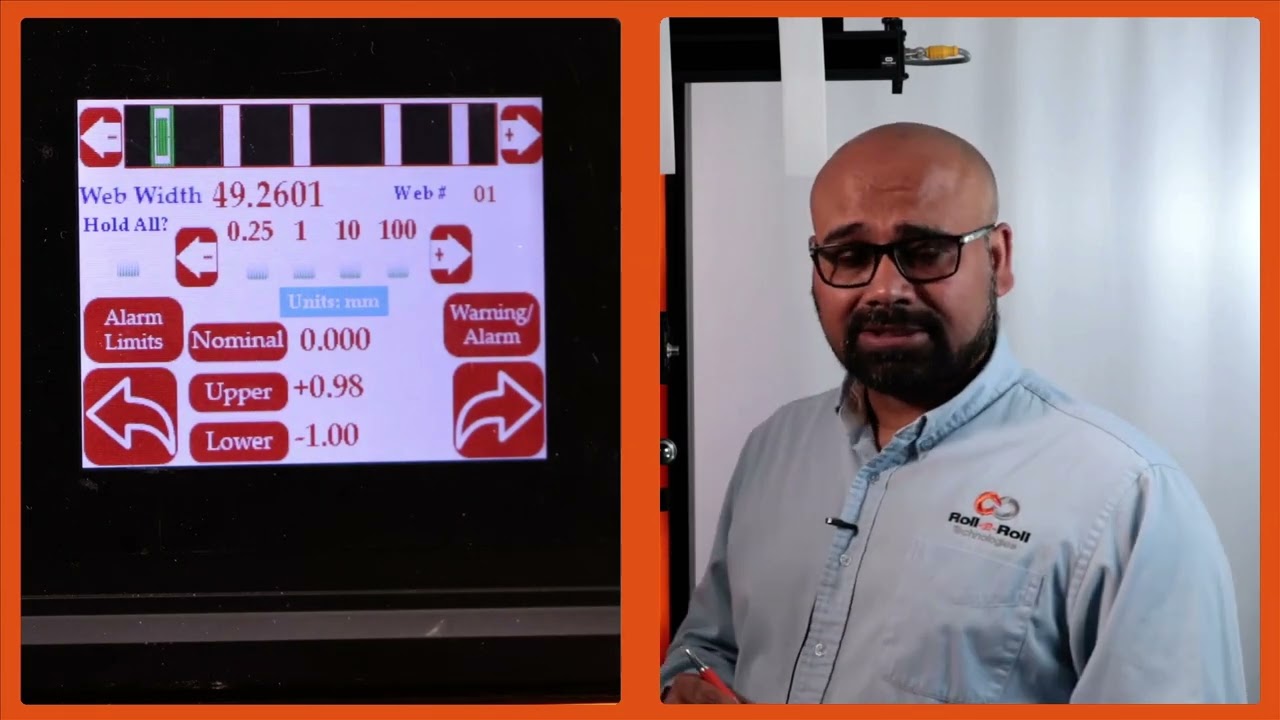
How to Access the Operator Width Screen
In this video, we guide you through the steps to access the operator width screen from the home screen. Start by pressing the tools icon, followed by the operator icon located at the top right, and then the width icon. You'll first arrive at the operator width home screen, and there's an additional setup screen available where you can perform further setup tasks.
00:00 Accessing the Operator Width Screen
00:17 Operator Width Home Screen Overview
00:21 Additional Setup Screen
Transcript
Show full transcript (57 words)
To get to the operator width screen from the home screen, we're going to press the tools icon, then the operator icon on the top right and then the width icon. This first page is the operator width home screen. The second page is an additional setup screen where you're able to do more setup related things.