
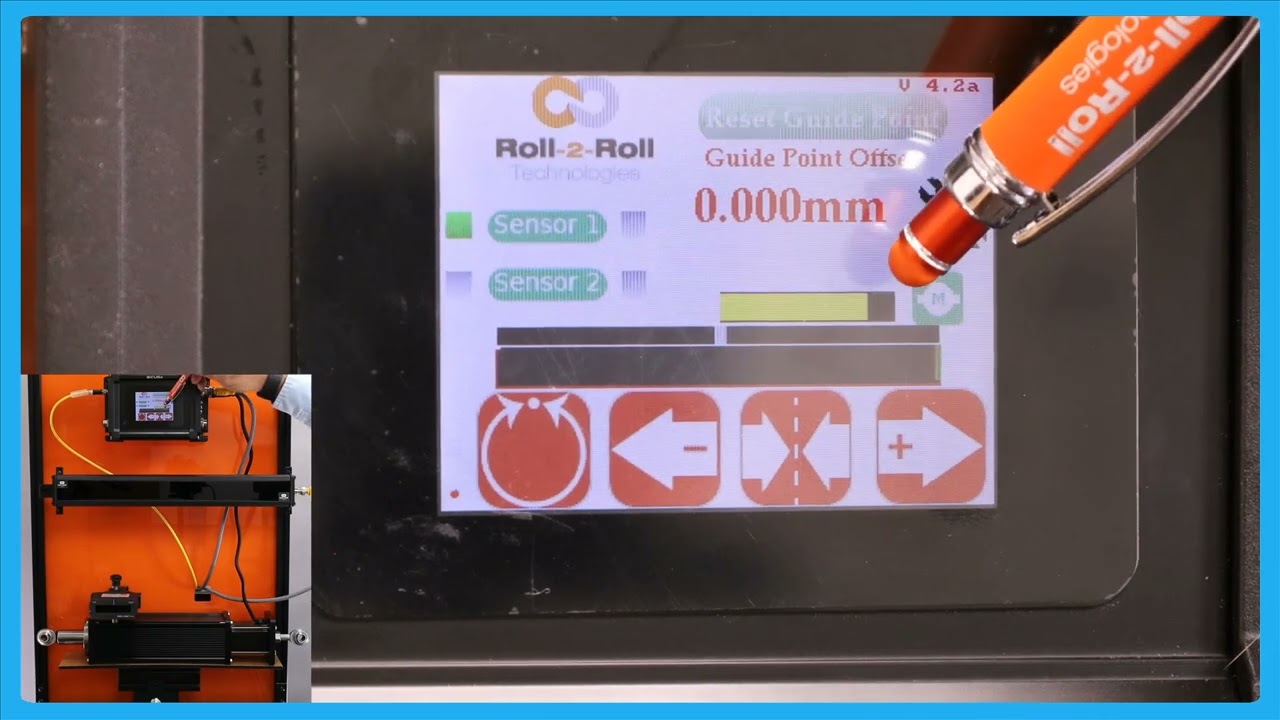
In this episode, we delve into the functionalities available on the home screen of the SCU6x Controller. The video also explores the actuator position bar, explaining how it indicates the position and status of the actuator, including visual cues when nearing stroke limits. We also touch upon the electronic limits set within the controller and how they influence actuator movements.
00:00 Introduction to Home Screen Functions
00:20 Understanding the Actuator Position Bar
00:46 Visual Indicators of Actuator Position
01:13 Electronic Limits and Stroke of the Actuator
01:28 Jogging Commands and Limits
Transcript
Show full transcript (324 words)
everything that the operator need should do on a day-to-day basis can be done from the home screen for example things like putting the web guide in automatic or manual jogging the web guide back and forth and then putting the web guide in the symol center mode the first and foremost thing with with regard to the actuator is this actuator position bar this bar is going to indicate the position of the actuator and this position is the electronic position that is being read by our driver right now the actuator is in the middle as we jog the web guide you should see that actuator position to be changing and then there's also visual indication of when the actuator is getting near to its extreme position and that's indicated by this um yellow and then if you keep moving it turns red which means that there's really not much left in the actuator position so this is indicating that it's reaching its stroke Lane now in terms of the stroke of the actuator these are all electronic limits that we have in the controller in subsequent videos we will talk about how one can change those limits based on what the actual actu stroke T takes like that so this is the J if I press this one you should be able to see that go J left and it'll do the same thing if it goes to a certain position where it's getting closer to its extreme it's going to be yellow they keep going let SC the get red and then if it's off the screen even if the actuator presses this button um nothing happens and that's because the actuator is reached this limit there so it will not move in that direction however it will move in the other direction so that's the actuated position more then we saw the jog left and J right command there