
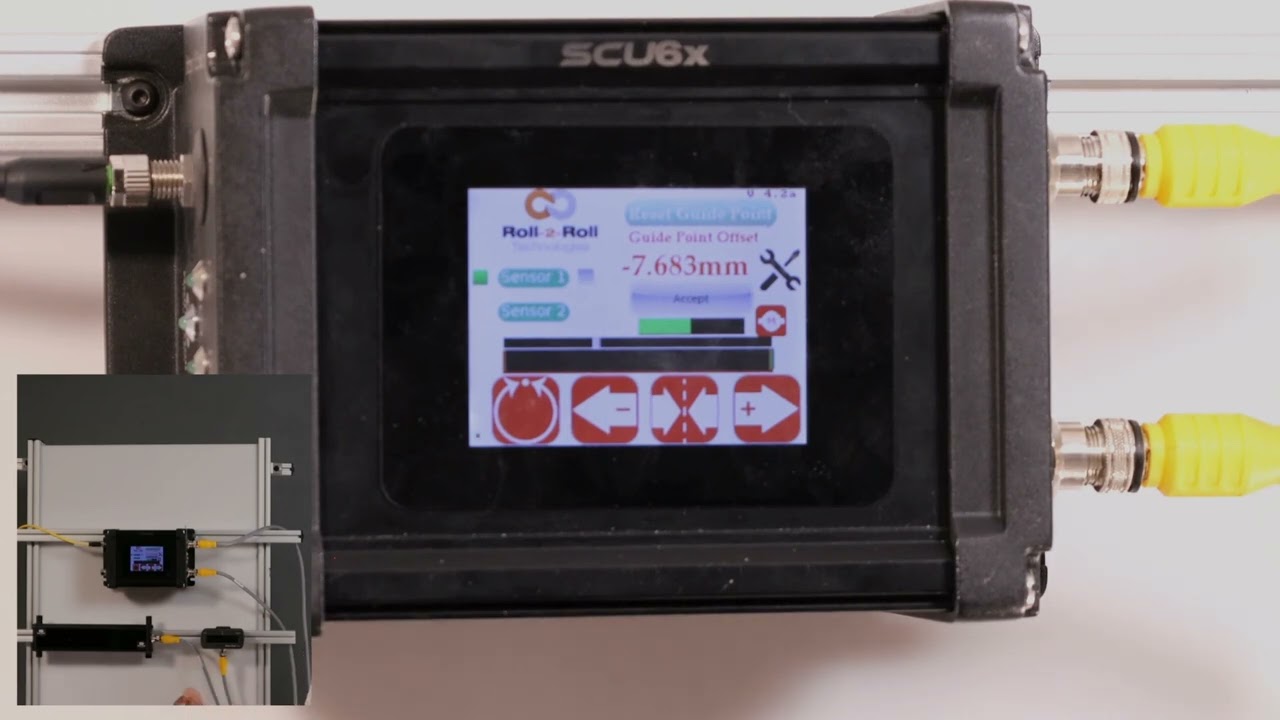
In this episode, we explore the safety features of the SCU6x Controller regarding guide point adjustments. The video highlights measures taken to prevent accidental changes and ensure that adjustments are made intentionally. Critical steps include limiting how far the guide point can be moved and implementing a reset mechanism that reverts to the original settings if changes are not accepted. Learn how these precautions help maintain proper setup and visibility of the web for optimal performance.
00:00 Introduction to Guide Point Restrictions
00:05 Safety Measures for Guide Point Adjustments
00:19 Accidental Changes and Reset Mechanism
00:59 Ensuring Intentional Adjustments
01:10 Final Setup and Web Visibility
Transcript
Show full transcript (226 words)
and then we don't allow you to change the guide point all the way to one side like that so if we do that it will go only to about a certain amount and that's just for safety purposes and then just to be sure that somebody doesn't intend to do something what we also do is that if somebody press this button and let's say that it it shows the reset gate point to a new gate point and if you didn't intend to do it all you have to do is just leave it alone for a little bit and then that will automatically reset unless you press accept any change to this accidental change it will show that the the current or intended gate point is minus 16.7 but if you don't accept it it will go back to its original G Point reference whatever you had it before so just to avoid any accidental changing uh we do that and it's the same thing with this reset gr point if you press that button unless you press the accept anything that we do here is not going to change the G white unless somebody intentionally says that that's what they want to do we want to make sure that we have everything set up uh properly where we're able to see the web