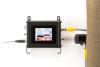
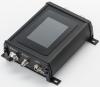
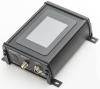
SCU5
The Smartest Controls Should be Easy to Operate
Key Features
Technical capabilities designed for precision and reliability.
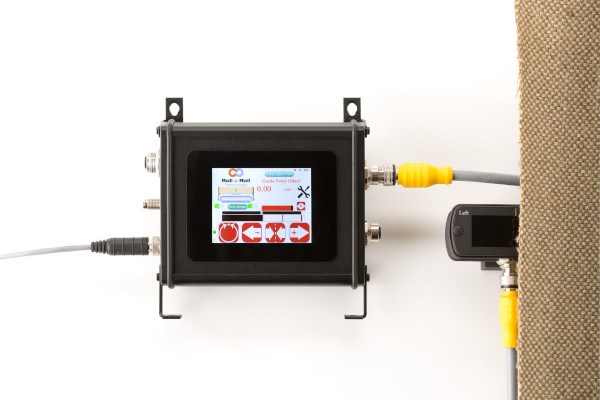
- Touchscreen operator interface – icon-based, language-independent for worldwide use
- Processes two sensors – single controller handles dual sensor inputs
- Multiple configurations – sensing/monitoring (D), web guiding (MD), with Ethernet options (Cx)
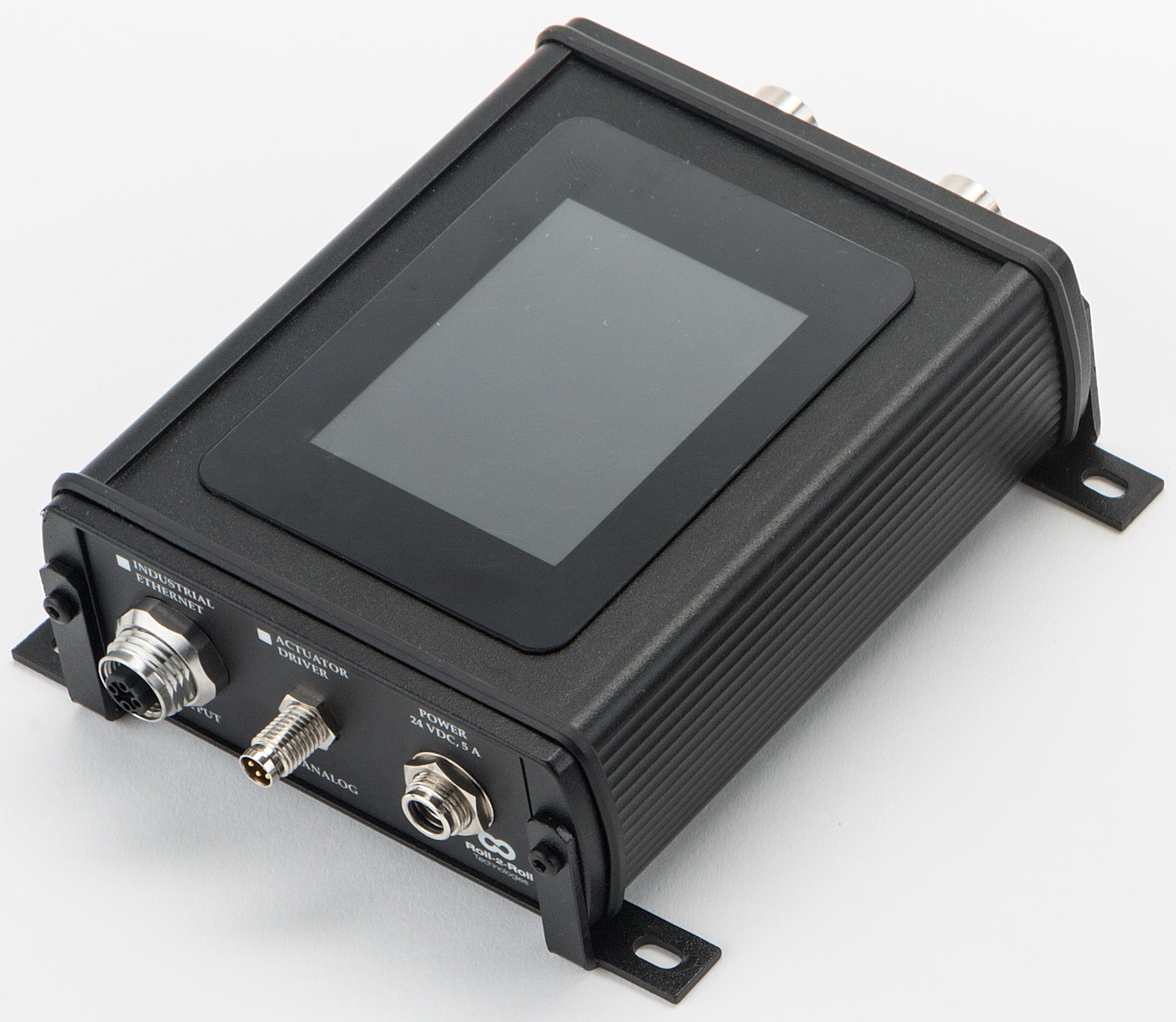
- Industrial Ethernet options – EtherNet/IP, PROFINET, EtherCAT (on C models)
- Analog outputs – ±10V, 0-10V, 0-20mA, 4-20mA programmable
- Plug-and-play operation – simple menus for quick setup without specialized training
Key Benefits
Measurable business value and operational improvements.
- Stop losing hours to complex sensor setup and programming
- Eliminate training costs – icon-based interface needs no language translation
- End integration headaches – native industrial Ethernet protocols connect directly to your PLC
- Remove troubleshooting delays – web browser dashboard for remote diagnostics (C models)
- Prevent maintenance surprises – real-time sensor health monitoring
- Stop paying for multiple controllers – one controller processes two sensors
Specifications
Detailed technical specifications and performance data.
| Feature | SCU5 D | SCU5 C(x)D | SCU5 MD | SCU5 MC(x)D |
|---|---|---|---|---|
| Application | Sensing + Monitoring | Sensing + Monitoring | Web Guiding | Web Guiding + Sensing |
| Input Voltage | 24 VDC | 24 VDC | 24 VDC | 24 VDC |
| Operator Interface | Yes (touchscreen) | Yes (touchscreen) | Yes (touchscreen) | Yes (touchscreen) |
| Analog Output | ±10V / 0-20mA | ±10V / 0-20mA | No | No |
| Industrial Ethernet | No | Yes | No | Yes |
| Web Browser Dashboard | No | Yes | No | Yes |
| Remote Control | No | Yes | No | Yes |
| Controller Frequency | 50-700 Hz | 50-200 Hz | 50 Hz | 50 Hz |
| Process Two Sensors | Yes | Yes | Yes | Yes |
Industrial Ethernet Options (C models): C(E) = EtherNet/IP, C(P) = PROFINET, C(EC) = EtherCAT
Documentation & Downloads
CAD files, datasheets, manuals, and technical documentation.
Quick Start Guides
Step-by-step setup guides for this product.
Position Measurement
2 guides
-
Position Measurement — Analog Output — SCU5
After completing this guide, wired to your SCU5 D+ controller with position output as a voltage or current signal for your PLC, drive, or display.
-
Position Measurement — Industrial Ethernet — SCU5
After completing this guide, wired to your SCU5 C(x)D controller with position data available over Industrial Ethernet for your PLC.
Web Width Measurement
3 guides
-
Web Width Measurement — Analog Output — SCU5
After completing this guide, wired to your SCU5 D+ controller with web width output as a voltage or current signal for your PLC, drive, or display.
-
Web Width Measurement — Digital Monitoring — SCU5
After completing this guide, wired to your SCU5 DIO controller with pass/fail monitoring output — width within tolerance, width too narrow, or width too wide — on 24V-compatible NPN outputs for your stacklight, alarm, or PLC.
-
Web Width Measurement — Industrial Ethernet — SCU5
After completing this guide, wired to your SCU5 C(x)D controller with width data available over Industrial Ethernet for your PLC.
Intermediate Web Guide
7 guides
-
Intermediate Web Guide — Edge Guiding — SCU5
After completing this guide, your web runs with one edge held on target — the guide steers it back the moment it drifts.
-
Intermediate Web Guide — Center Guiding — SCU5
After completing this guide, your web runs centered between its two edges — the guide holds the center as the edges wander.
-
Intermediate Web Guide — Line Guiding — SCU5
After completing this guide, your web tracks a printed or physical line — the guide follows the line as it moves across the web.
-
Intermediate Web Guide — Contrast Guiding — SCU5
After completing this guide, your web tracks a contrast boundary — a coating edge, color change, or stripe — and the guide follows it.
-
Intermediate Web Guide — Master-Slave Guiding — SCU5
After completing this guide, your slave web follows the master web's side-to-side position, keeping the two layers aligned.
-
Intermediate Web Guide — Open-Loop Oscillation — SCU5
After completing this guide, your web traverses steadily back and forth on a programmed oscillation, with no edge feedback.
-
Intermediate Web Guide — Closed-Loop Oscillation — SCU5
After completing this guide, your web oscillates back and forth around a tracked feature, staying referenced to it as the feature moves.
Unwind/Rewind Web Guide
7 guides
-
Unwind/Rewind Web Guide — Edge Guiding — SCU5
After completing this guide, your web runs with one edge held on target — the stand shifts the roll back the moment the edge drifts.
-
Unwind/Rewind Web Guide — Center Guiding — SCU5
After completing this guide, your web runs centered between its two edges — the stand shifts the roll to hold the centerline as the edges wander.
-
Unwind/Rewind Web Guide — Line Guiding — SCU5
After completing this guide, your web tracks a printed or physical line — the stand shifts the roll to hold the line on target as it moves across the web.
-
Unwind/Rewind Web Guide — Contrast Guiding — SCU5
After completing this guide, your web tracks a contrast boundary — a coating edge, color change, or stripe — and the stand shifts the roll to hold it on target.
-
Unwind/Rewind Web Guide — Oscillation (Open Loop) — SCU5
After completing this guide, your roll traverses steadily back and forth on a commanded oscillation, with no web feedback.
-
Unwind/Rewind Web Guide — Oscillation (Closed Loop) — SCU5
After completing this guide, your web oscillates back and forth around a tracked feature — the oscillation rides on top of sensor guiding, staying referenced as the feature moves.
-
Unwind/Rewind Web Guide — Master/Slave Guiding — SCU5
After completing this guide, your slave web follows the master web's side-to-side position — the stand shifts the roll to keep the two layers aligned.
Retrofit an Existing Web Guide
5 guides
-
Retrofit an Existing Web Guide — Edge Guiding — SCU5
After completing this guide, your existing guide runs on Roll-2-Roll control with one web edge held on target — the new actuator steers the web back the moment it drifts.
-
Retrofit an Existing Web Guide — Center Guiding — SCU5
After completing this guide, your existing guide runs on Roll-2-Roll control with the web centered between its two edges — the new actuator holds the center as the edges wander.
-
Retrofit an Existing Web Guide — Contrast Guiding — SCU5
After completing this guide, your existing guide runs on Roll-2-Roll control tracking a contrast boundary — a coating edge, color change, or stripe — and the new actuator steers the web to follow it the moment it drifts.
-
Retrofit an Existing Web Guide — Line Guiding — SCU5
After completing this guide, your existing guide runs on Roll-2-Roll control tracking a printed or physical line — the new actuator follows the line as it moves across the web.
-
Retrofit an Existing Web Guide — Master-Slave Guiding — SCU5
After completing this guide, your existing guide runs on Roll-2-Roll control with the slave web following the master web's side-to-side position — the new actuator keeps the two layers aligned.
Product Videos
Watch demonstrations, tutorials, and application examples.
How to Find the IP Address of Your SCU6x Controller for Remote Access
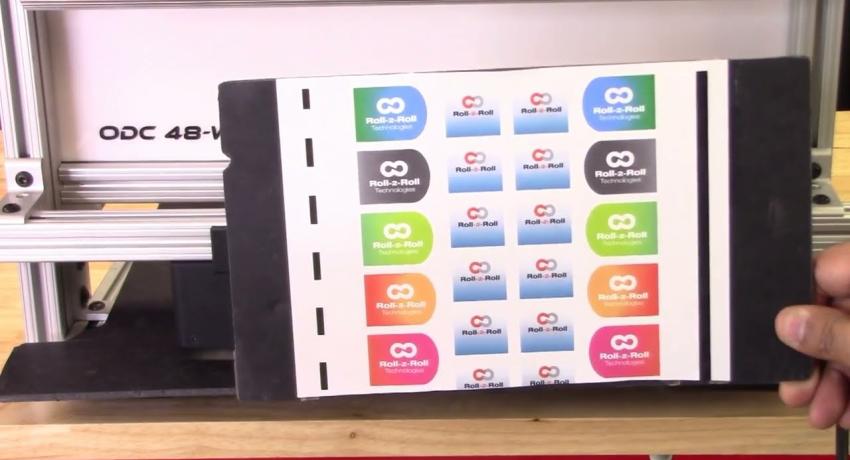
How to Setup Web Width Measurement Based on Two Contrasting Features on the Web with Two Sensors
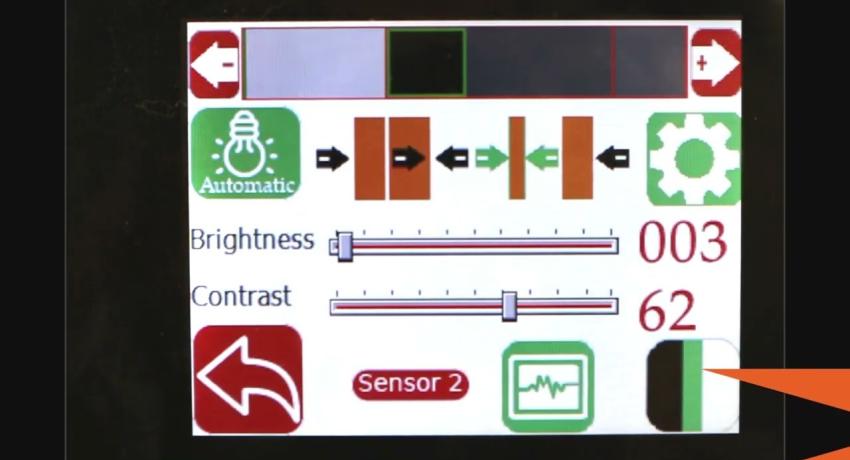
How to setup Web Width Measurement with Contrasting Features on the Web using a Single Sensor
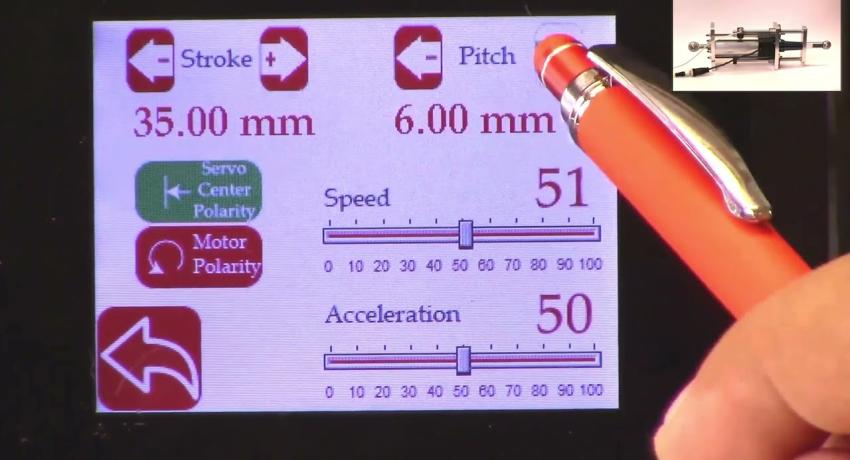
How to Set the Actuator Parameters in SCU5 Controller
How to setup Web Width Measurement based on Web Edge with SCU5 Controller using Two Sensors