
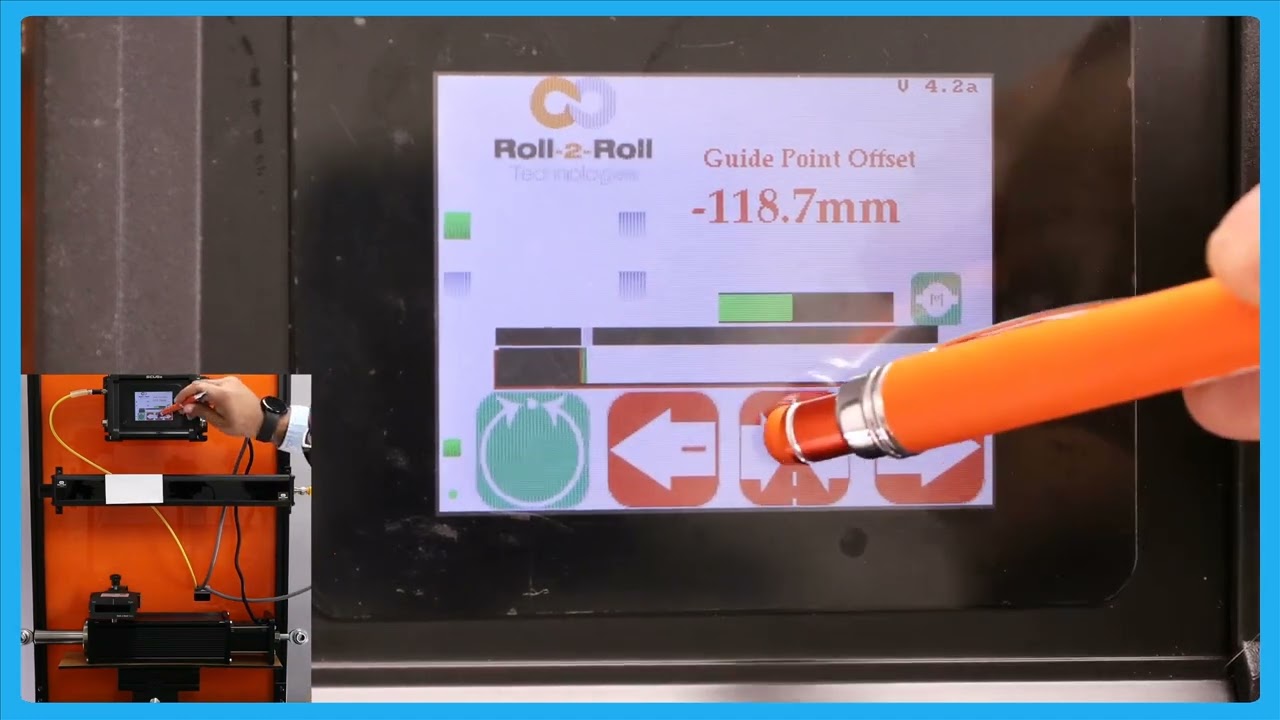
This episode provides a detailed explanation on how to reset the guide point offset to zero in automatic mode using the servo center button. The process is highlighted with caution due to its powerful impact on the guide point and web position, emphasizing that only knowledgeable users should perform this operation. Viewers learn how pressing the servo center button prompts a confirmation to reset the guide point, and accepting it results in moving the actuator to correct the web position to the new guide point reference.
00:00 Introduction to Guide Point Offset Resetting
00:15 Importance of Caution in Resetting
00:33 Automatic Mode Reset Procedure
00:50 Accepting the Reset and Its Effects
01:00 Final Steps in Resetting Guide Point
Transcript
Show full transcript (234 words)
okay one other feature in terms of resetting the G Point how that we have is there are some occasions where you want to reset it to zero and this has to be done with extreme care and only people who know what they're doing should be able to do this and that's because this is very powerful and changes the G Point immediately so there might be some loation where you want to absolutely reset pick 8. to0 the best way for us to do that is while it is in a Ned did you press the servo center button it's going to show you that hey you want to reset the G point to zero do you want to accept it obviously if I accept it the web isit a different location it's going to go all the way to one side the actuator is going to go all the way one side because it's trying to correct for the web position again when you're in automatic mode if you press this Servo center button then it would allow you to reset the T point if I press accept the T point is going to be in the middle now basicly the actuator is newly because it's trying to bring the we toward its um to the gr Point reference that's the way in which you could reset the G point to see