
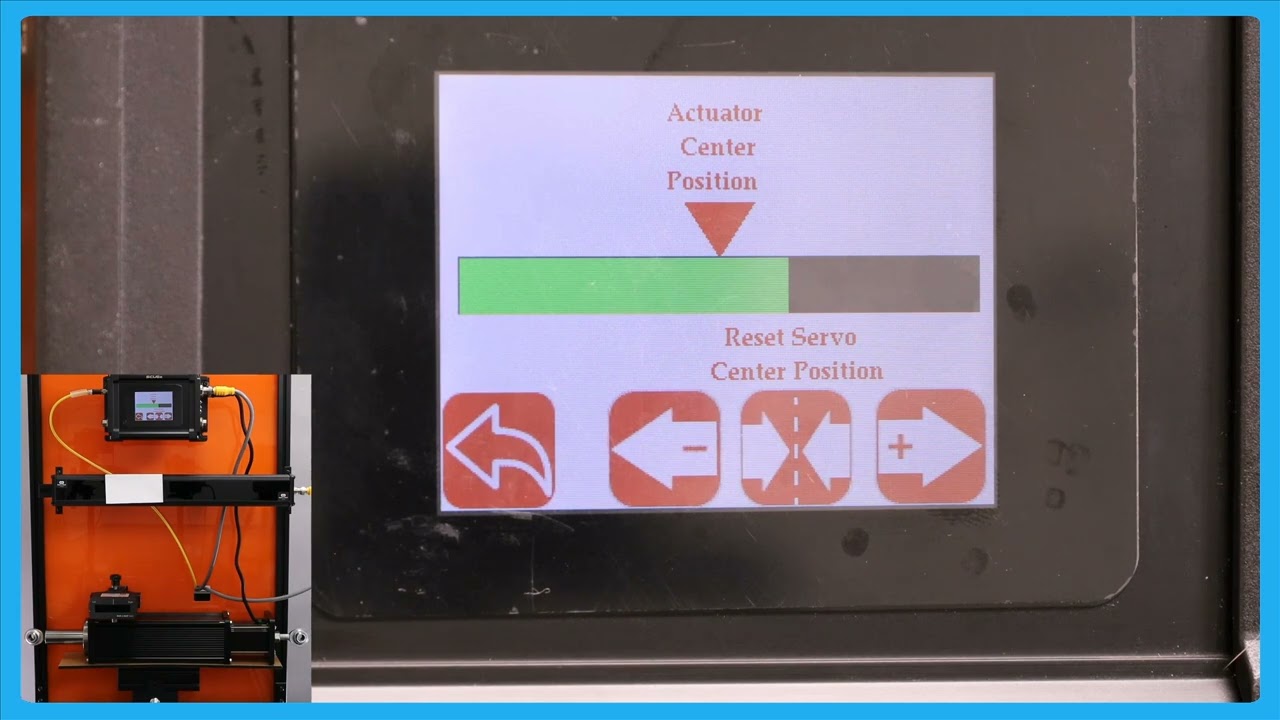
In this episode, we explain the functionality of an enhanced operator interface that provides a larger view of the actuator position. This feature is particularly useful when operators are working at a distance from the controller, allowing them to make precise adjustments without the actuator reaching its limit. The video demonstrates how the web guide operates in automatic mode and explains the benefits of being able to view the actuator bar from different parts of the machine. The button to access this interface can be used in both automatic and manual modes.
00:00 Introduction to Actuator Position Viewing
00:13 Importance of Remote Operator Interface
00:39 Automatic Mode and Web Guide Movement
00:54 Enhanced Visibility for Operators
01:19 Manual and Automatic Mode Button Access
Transcript
Show full transcript (211 words)
one of the reasons why we have this icon where the operators can see a the view of the actuator position is those scenarios where an operator farther away from our controller and they want to make some subsequent adjustments to the position or essentially the date Point using the the mode operator interface but they want to make sure that adjusting the G point doesn't make the actuator to reach its limit that's all of the reasons why we have that right now the web guate is in automatic mode and the web is staying there it's not moving but if I move the web guate you can see that you can the actuator bar changes if this is just a bigger view of what we had in the home screen and the reason why is uh a bigger view is allowing The Operators to see this interface from a longer distance while they're making adjustments to other parts of the machine so that if the actu reaches its limit it's pretty evident and they can make adjustments to the other part of the machine so that it doesn't guide doesn't lose its stroke during guy this button you can reach it either in automatic mode or in manual mode