
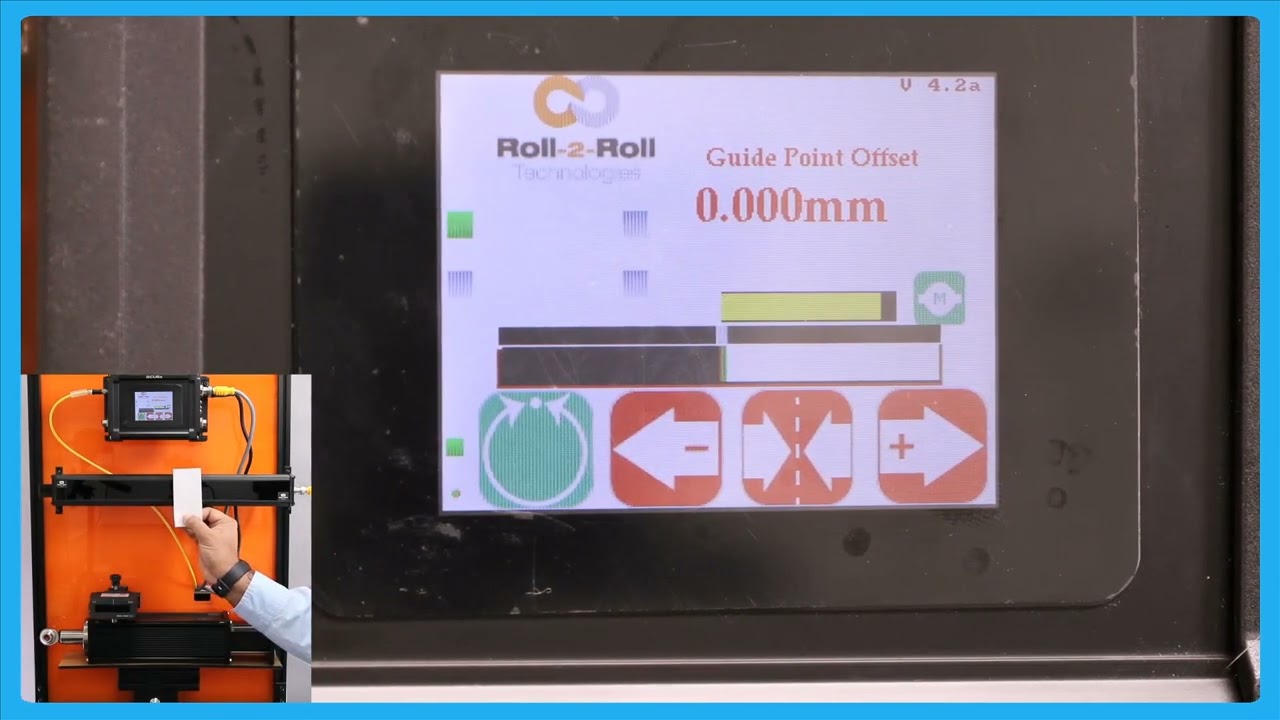
In this episode, we delve into the functionalities of the SCU6x Controller, focusing on the manual movement of the actuator to aid in the loading and unloading of the roll. The highlight of the video is the automatic web guiding system, which ensures the web is steered to its correct position. The presenter demonstrates how the actuator responds to the positioning relative to the guide point and explains the actuator's movements and limitations based on error correction. The video showcases the capabilities of the SCU6x Controller in managing web alignment automatically.
00:00 Introduction to Manual Actuator Movement
00:12 Automatic Web Guiding System Overview
00:20 Demonstration of Web Guide in Action
00:32 Understanding the Guide Point and Actuator Movement
00:53 Actuator Position and Error Handling
01:14 Automatic Feature and Edge Guiding
Transcript
Show full transcript (211 words)
okay this is about moving the actuator manually to facilitate loading and unloading the r but the real thing with our system is basically it does guide the web automatically to its desired position so just to show you that let me present the web put the web guide in automatic mode so as you remember that the gray bar in the middle is basically our G point and if we are on one side of the G point the actuators will move one way if we are the other side of the G point the actuators for to M be away and it's that's out it's stting the we and then the actuator position bar indicates what the stroke of the actuator is and obviously once a r it stroke it doesn't matter how much eror we have the accelator is not going to move in that direction but if the eror is f on that direction then the aurator is for Mo and you that in for BL so this is the automatic feature of our web guing system and right now I'm using a single edge to gu the material and it doesn't matter if I have one Edge or two edges it will do the same thing