
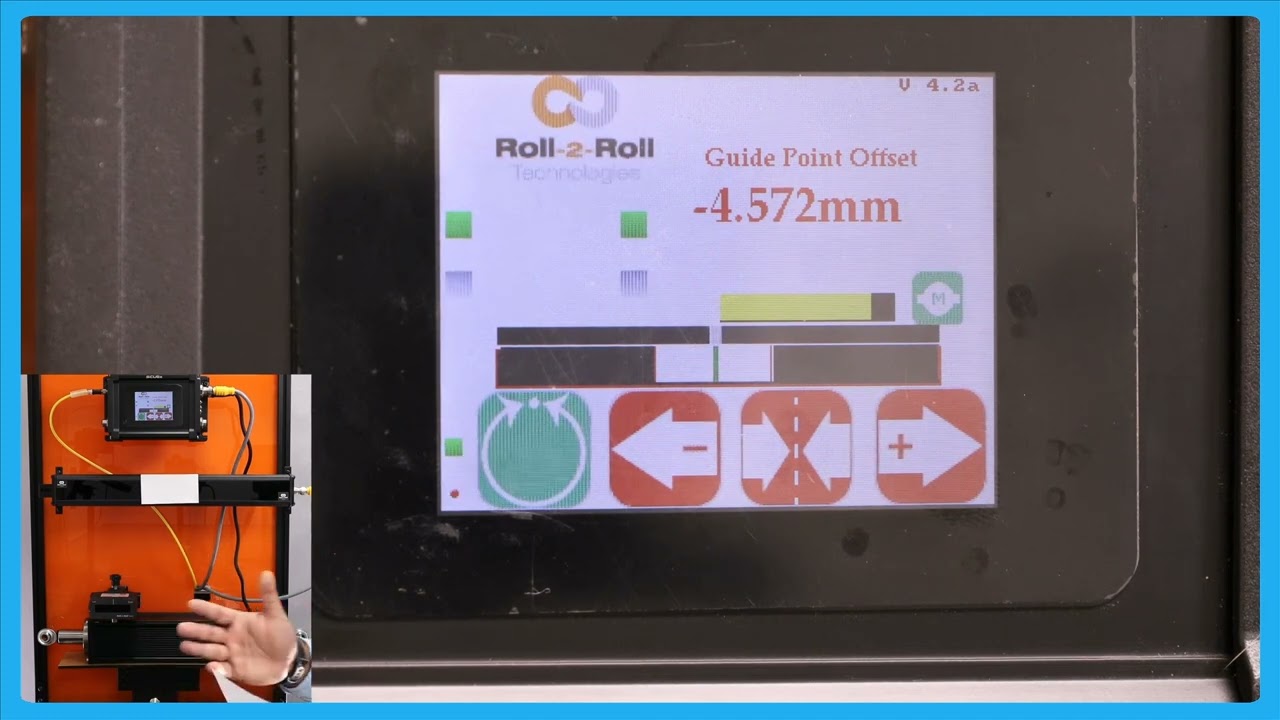
In this video, we explore the process of center guiding using a single sensor. Unlike edge guiding, which focuses on one edge, center guiding utilizes both edges, making it highly effective for managing changes in web width. The tutorial covers setting up the sensor to detect the web's voltage, aligning the web's centerline with a guide point offset, and maintaining the center position with the actuator. The video also highlights the advantage of this method in handling width variations seamlessly and ensuring consistent alignment to the centerline, even with variabilities. Additionally, it addresses how the sensor deals with web breaks and resumes operation efficiently.
00:00 Introduction to Center Guiding
00:15 Setting Up the Sensor Orientation
01:00 Advantages of Center Guiding
01:29 Handling Width Variations
01:57 Center Guiding Mechanism
02:18 Edge Guiding vs Center Guiding
02:24 Web Break and Guide Point Reference
02:52 Conclusion
Transcript
Show full transcript (421 words)
so the next thing that we're going to look at is we showed how to do Edge guiding with a sensor now we're going to do how to do Center guiding with the sensor so I'm going to change this orientation sensor orientation so that sensor one can detect voltages of the web and that's what it it's detecting and as you remember from our previous video when we do Center gu and the GU the reference for the web is not based on one Edge actually based on the two edges so that's what is presented by this green bar so if I move the center line of that web to this green bar to this point box act and then put it an auto then when that Center Line changes position that's how we're going to guide it essentially s guide so what is the advantage of Center guiding is that when you hand weight changes you don't have to move the sensor as long as you get Point offside is the right location so for example if I put another web that's wider you can do a on the Fly Wick change with one to another web Wick and it will automatically guide and either one in a SLE L position and that's one of the biggest Advantage with a center diting solution is that when the wit changes let's say it have some variability in your Bri your web will always be presented to the center line of the machine as long as the center as long as the sensor is set up properly then you can bring it to that Center Line position with respect of the quadr or half an inch we with so in terms of Center guiding Center position is represented by the green bar and then the web guide is going to keep that Center position um I'm moving the actuator back and forth so that green bar aligns with that gray gray T point and preference as it should so that's the main difference between Edge guiding and Center Tiding again you still have that option of web break so the web braks it will stop actuating and it will start back actuating when the web is stressing and then obviously it's going to do it it's going to stop until the web reaches its B Point reference if the WID ches doesn't matter that's long red W the center line set so that's Center D with with a single sensor