
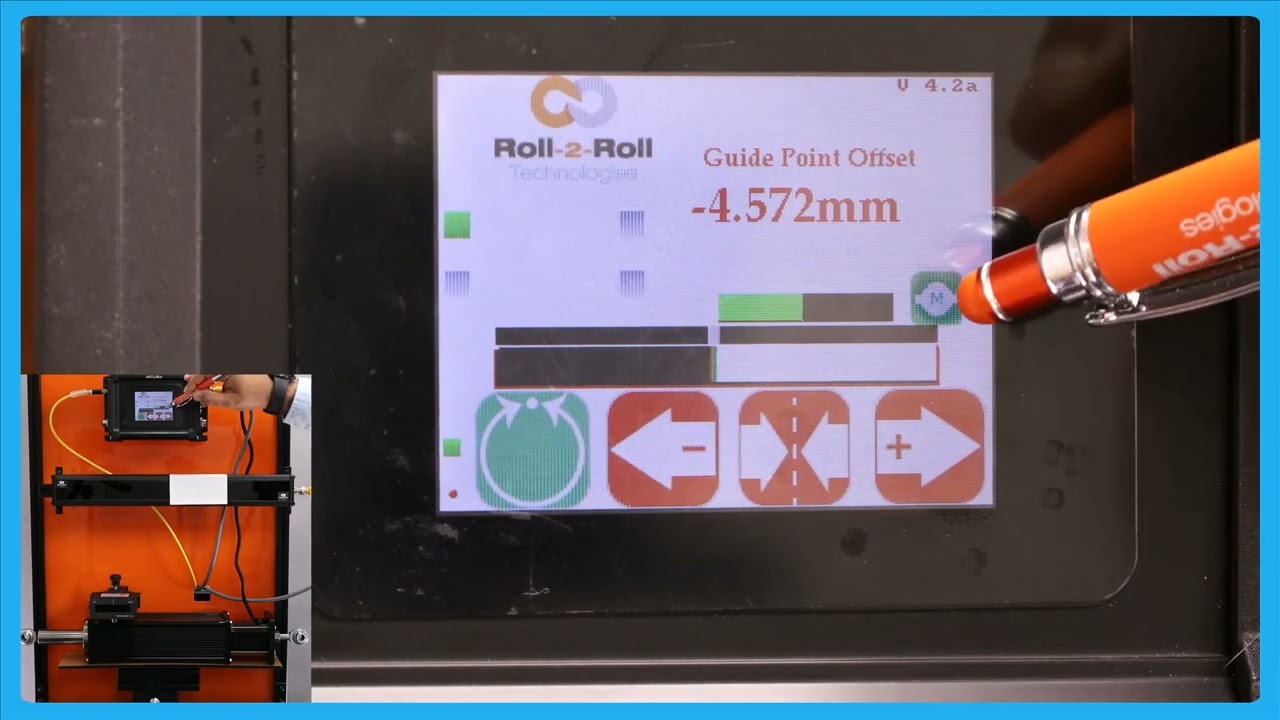
In this video, we explore the features and safety measures of the web guide controller when set to automatic mode. Key highlights include the operator lockout during automatic mode of the controller, which automatically disables the tools icon and various parameters like the edge sensor, contrast, speed, and gain. We also examine the limitations imposed on the operator's control, such as the inability to change sensor orientation or switch sensors. The video explains why these restrictions are in place and how the guide point reset functions, emphasizing the importance of careful usage and the implementation of an accept button to prevent accidental changes.
00:00 Introduction to Automatic Mode
00:15 Operator Restrictions in Automatic Mode
01:03 Sensor and Button Limitations
01:36 Guide Point Adjustments
01:55 Safety Measures and Accept Button
Transcript
Show full transcript (367 words)
one of thing that happens when we put the web guide in automatic mode is that this pools icon is going to disappear um I'll do that and you can notice that the proven automatic the tools icon disappears so essentially when the web guide is in automatic mode the operator cannot go away and change any parameters related to the edge Center or contrast or anything related to the speed the G none of those parameters could be changed while the webite is not attack just a safety just so that we don't intentionally cause any cor when the webc isn't on so that's what that one is the only screen that the operator can navigate to is going to be this screen and that's going to show you the actuator position in a bigger view the operator cannot go into any other screen while in automatic mode the other thing that you're going to notice when the web guide is in automatic mode is take a look at these sensors when I put it in automatic mode the buttons so those buttons are disabled again same idea when you are an automa we don't allow the operator to change the orientation of the sensor so if they can't enable or disable the sensor they cannot switch from one sensor to sensor all of these things have to be done a pror before they put it in the automatic one and then again reset G point if you put it in automatic mode that disappears so they won't be able to make any big adjustments to the gate point the only exception to that is to reset that gate point to zero as the only thing that they can do and that's the reason why we say that when you do a reset gr point to zero and be really careful um and do only when you needed and that's the reason why we have that accept button so if somebody presses that by the St we don't necessarily have to take that command unless the operator intentionally presses accept if it doesn't press the accept button then it go back to the previous gr point