
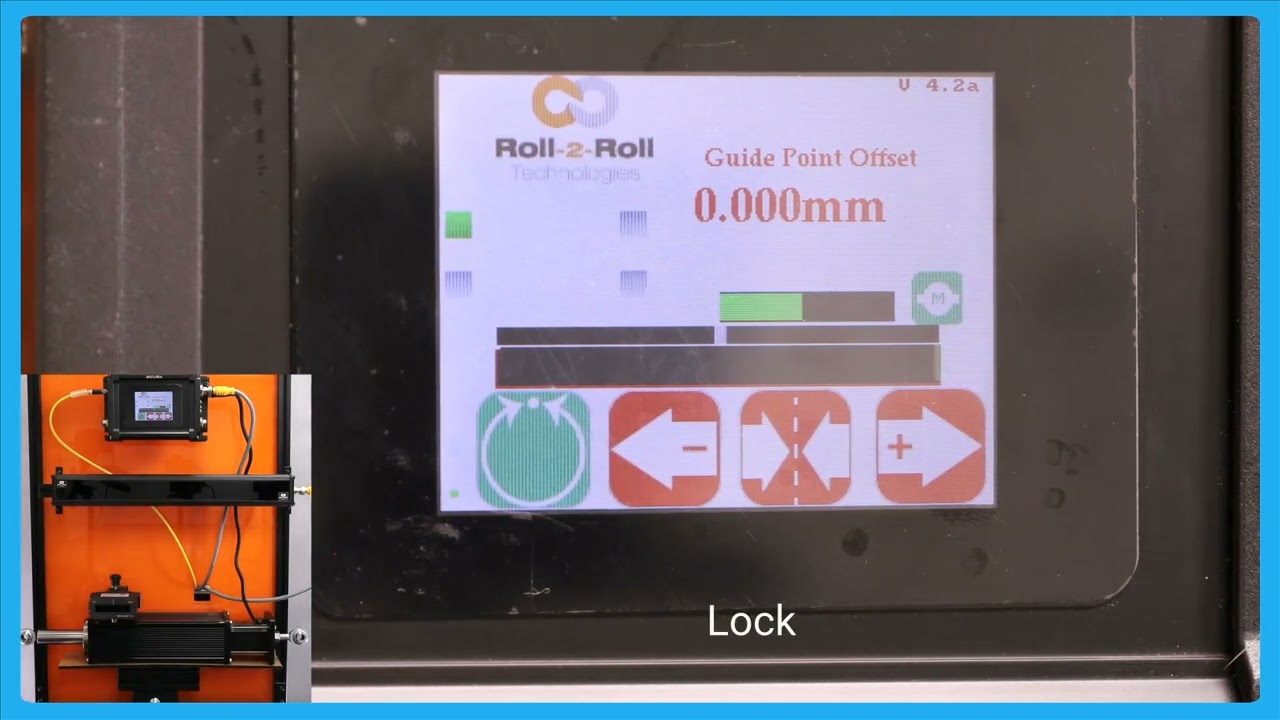
In this video, we introduce and explain the automatic web detect signal feature of the SCU6x Controller. This functionality ensures that the actuator stops moving when the web breaks, even in automatic mode. The video illustrates how the actuator guides the web back and forth and demonstrates the lock on lost edge feature, which holds the actuator's position if no web is detected. This feature is crucial for preventing disruptions in operations when re-threading the web. Join us as we dive deep into how this innovative feature works and its benefits for maintaining smooth operations.
00:00 Introduction to Automatic Web Detect Signal
00:23 Illustration of Web Guiding and Actuator Position
00:37 Lock on Lost Edge Functionality
00:56 Web Break Detection and Actuator Response
Transcript
Show full transcript (199 words)
so one other feature that we have is that we have an automatic web detect signal in a previous video we talked about this which is that web detect signal we can use that information to stop the actuator for movie even while it's in automatic mode if the we breaks so just illustrate that I'm going to show that and stting the web Maring toward and you can see that actuator position but if the web breaks and there's no web in front of it then the actuator stay stays put and this is what we call as lock on Lost Edge essentially a functionality that ensures that the actuator doesn't get cocked to one side or the other if there is no web in the field of view of the centor and as soon as the web comes back it's going to start dating it when there is a web break it's going to start and hold it position and this is essentially for detecting the uh web Brak and then making sure to stop the actuator in its current position so that it doesn't disrup the the operation once the direct web is started back in