
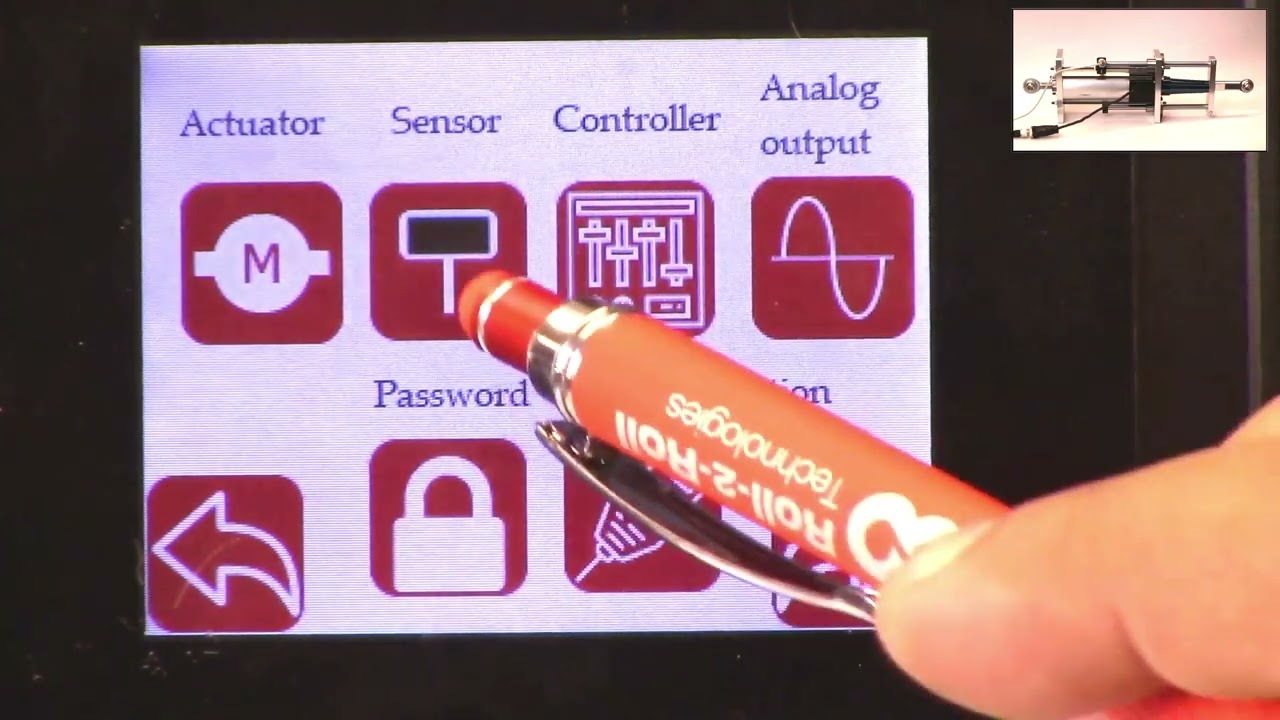
How to set the servo center position or the home position using the SCU5 controller.
- 1: 22 Physically installating a proximity sensor to detect the home position.
- 4:32 Changing the polarity of the servo center sensor.
- 5:39 Some common problems with servo center or proximity sensor installation.
- 7:00 Servo center position based on the electronic actuator position.
- 8:30 Setting the servo center position electronically.
Transcript
Show full transcript (2140 words)
hello everyone today in this video we're going to discuss how we can use our upgrade kit actuator and specifically how do we set the servo Center position Servo Center is basically a term that an industry term that is intended to mean the center of the servo or the hydraulic cylinder but over times it it has changed but essentially what it means is that if you have a web guide mechanism and you want to thread up the web on the mechanism and is there a quick way for us to set the actuator to a position that would make sure that the web guide is parallel to all the other rollers in the machine and historically it's been called the servo Center position you can also call that a home position or whatever you want to call it but the ideal thing is that if the web guide let's say you stop the machine the web guide is to one position and you want to quickly bring that web guide to a home position or a center position and that's what is called as a Servo centering in our system or in our upgrade kits we do provide a couple of ways in which we can achieve that functionality one of the things one of the ways in which we achieve that is by actually physically installing a sensor we call it a Servo Center sensor to detect the home position in this actuator that we have um you can see that there is a sensor that is installed this is basically an inducto proximity sensor it's trying to look for this Race Rod when this Race Rod moves back and forth you can see that the servo Center there's a light on that switch there's a light right here and that light will actually go off or on in this upgrade kit actuator the servo Center functionality is enabled by using the serval Center sensor all that the sensor is doing is trying to locate this Race Rod and the transition from seeing the racer rod and not seeing the Race Rod is basically the home position so just to illustrate that I'm going to move this actuator and you can see that there is a LED kind of thing that lights up and if I move it out and that turns off and that is essentially the servo Center position when you install this upgrade kit on your web guide mechanism what you can do is you can actually Center the web guide manually by jogging left hand so you can jog it left and right wherever you want it to and then the position where the frame is parallel to the rest of the rollers in your machine once you've figured that out then you can actually move this mechanically move it to the location where you think that Servo Center where that transition is going to happen and that that would be the easiest way to set the server sensor okay so just to show that the servo Center functionality we're going to show what happens when we hit the servo center button on the scu5 controller so if I go back to my controller and let's say I have jogged the web guide now you can also see the actuator position on the top right and if I hit the servo center button it's going to go until it sees that proximity switch and the light turns on so if I'm coming from the direction where it doesn't the light is off it's going to go until the light turns back on and if I do the opposite let's say I go in this position where the light is on and then I hit the servo center button it's going to go until the light turns off and then it's going to start turns off and then it's going to stop there so that's how you install the servo Center on our actuator in terms of how what the location is based on the centering there are some situations where you might not have the ability to install the sensor we do have a we do provide an additional option where we can change the polarity of the servo Center so this can be done for one of two reasons the proximity sensor that we have right now it's an npn PN normally open and then let's say you bought an npn normally closed then you can just change the polarity on the servo Center and it'll still work and the other thing is that instead of looking at the the actuator position from the back if you want to look at the actuator position from the front then you can also switch the polarity the way to switch the polarity of the servo Center is going to be tools and then the power user on the bottom and then to the actuator and then there's the servo Center polarity now if I change the polarity it's going to work the opposite way so you can change the polarity I'm not going to show that but anytime you install the will Center sensor on the front let's say then the polarity of the actuator the polarity of the servo Center needs to be changed and that's essentially how you would change the polarity one of the common things that happens or common issues is that it's possible okay one of the things that happens is that our proximity sensor is not installed properly and that when the Target or the Race Rod moves back and forth the proximity sensor doesn't light up so I've just simulated that condition right now and just if we take a closer look at the actuator and when I move the actuator back and forth the light never turns on and it's possible that the operators are not aware of this situation and in that case if they actually press the the servo center button where the proximity sensor is not installed properly this is what would happen so if I press that button it's going to try to go to a certain limit and then it would come back and stop hopefully it never hit the mechanical but what it did is that it tried to look for the transition the transition never occurred so it manually turned off the servo Center functionality with the proximity switch and then it went to what it thought was the home position so in this case the only way that we figure out that this has happened is if you go into the controller and power user and then the controller icon if you notice that the servo Center functionality has actually been turned off what it means is that we are turning off the proximity switch based Servo Center functionality we're not using the proximity switch anymore to figure out where the servo Center is where purely basing the center position based on the electronic of the actuator just to show you what that means if I go back to the home screen you can see that the actuator position is exactly in the middle right there now if I jog the actuator back and forth and if I hit the servo Center it will still come back to this position but this is not the position with the proximity sensor obviously the proximity sensor is not lit up so we know that it's not based on that it's based on the digital position of the actuator again the proximity sensor is there for definitely knowing where the center position is and especially with stepper Motors there are situations in which let's say the actuator is not sized properly then the motor position that we are keeping track of may not be the actual position of the actuator that's why it's always recommended to have the center not just an electronic Servo Center but in the situation where you have the electronic Servo Center I'll go in and say how do you set the center of that position this is the center position right now and the actuator you can see it's at a certain position what I'm going to do is I'm just going to manually jog it to a position let's say I've reached this extreme position and just to illustrate that this is actually working what I will do is I'm going to reset this position as the new Servo Center position and this can be done by going into the motor icon and then if we press the reset Servo Center and press accept now we are electronically teaching the controller that this position is the new center position just to check let's jog it back and then hit the servo Center icon now it comes back to this electronic Servo Center position again the distinction between the electronic and the mechanical is electronic is based on the motor position that we think what the motor position is and then the the call Servo Center functionality is based on a hard switch like a proximity switch that is installed on the actuator or the web guide mechanism we would always recommend using the physical switch but in case something happens then you still have this electronic server Center functionality again if you want to change it the easiest way to change it would be you change the server center with the electronic limit is to go to this screen and then you can manually jog it to whatever location you want let's say this is the location that makes the web guide frame parallel to the rest of the machine hit the server center button accept and now this is the new position and then when I jog and then hit the servo Center it'll come back to that position that's essentially how we can set the servo Center position without a proximity sensor a physical proximity sensor this concludes our video about the servo Center functionality how you can set the server Center physically using a proximity switch how you can set the servo Center electronically without a proximity switch and also talked about the safety feature in case that the center functionality is enabled but the proximity sensor doesn't get triggered then we automatically go into this safety where we turn off the server Center functionality we also saw that and that's essentially it there's also one fine tuning that we could do let's say I move back this Servo Center so that now it's lighting up yeah now it's like lit up and in the situation where you have already installed the sensor but you installed it at the wrong location so it's in this position you had installed it in the wrong location and you want to correct for that there's a way for there's a way where in which we can do that so the way to do that is to go back back into our controller screen hit the tools icon hit the power user controller make sure that the server Center functionality is now it's on now I'm going to actually do the servo center operation and it stops there this position is not the right position mechanically so we want to manually jog the actuator to the new position so we're going to go into this screen I'm going to manually jog the actuator to this position and then just like what we did for the electronic we're going to hit this row Center the middle arrow and accept and then just to illustrate that it's actually doing what we want it to do I'm going to put that right there just as a reference yep and now I'm going to jog and then hit the servo Center all of this happened really quick but what happened was it kept moving until it hit the proximity switch once it hit the proximity switch it moved to the offset position so just to show that again and just to illustrate it maybe I can change this lower the speed okay I'm going to move that hit that it's going to hit the mechanical limit and then it went to the offset now if I go this way it's more illustrative so it's going to go to the proximity switch limit and then it went to the offset it took two steps to go there so that's a way in which we can add an electronic offset even with a physical proximity so this concludes our video about setting up the server center operation please follow us and subscribe to our Channel and look for more videos about how to use our system for your application thank you